Same-Day Wedding Photo Delivery: A Photographer's Workflow
How to deliver wedding photos on the same day: a step-by-step workflow for photographers, from live upload at the ceremony to guest galleries by night.
Key takeaways
- Same-day delivery means the couple and guests see a strong set of photos during the wedding, not the finished album.
- Plan it before the day. Create one event per function, agree access levels and test the connection at the venue.
- Upload live while you shoot, hold back private frames, and let guests find their own photos with a QR code and a selfie.
- The full edit, album selection and final delivery still follow after the wedding, on your usual timeline.
- Same-day delivery is a service clients will pay for, so price it into your packages instead of giving it away.
Couples used to wait weeks for their wedding photos. Today many expect to see them before the reception ends, and their guests expect the same. Same-day wedding photo delivery has moved from a nice surprise to something clients ask about at the first meeting.
The good news is that it doesn't mean editing all night. It needs a clear plan before the wedding, the right setup on the day and a few habits that keep you behind the camera. This guide walks through that workflow, function by function, from the first photo of the morning to the last one of the night.
What is same-day wedding photo delivery?
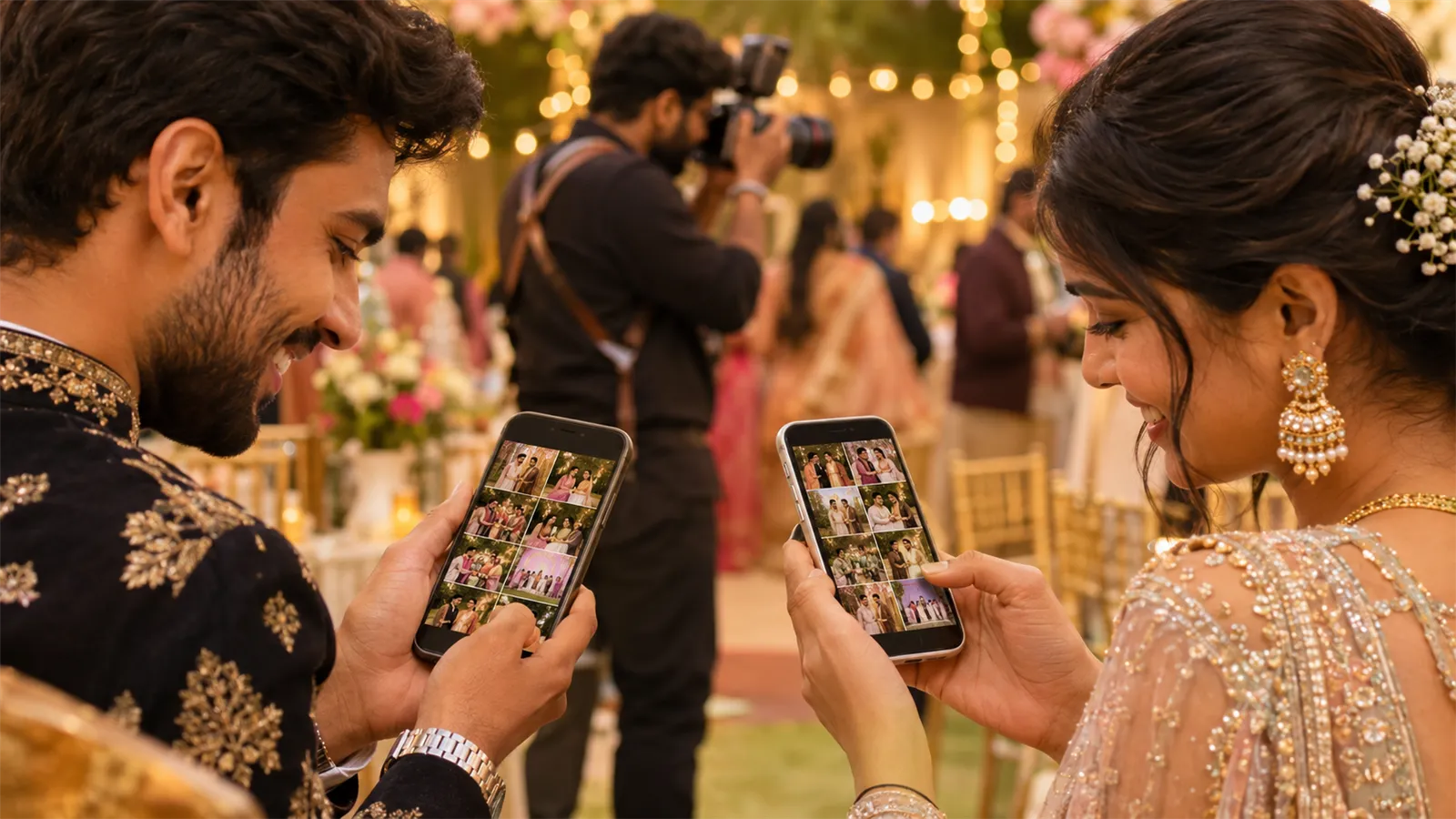
Same-day wedding photo delivery means sharing a selection of wedding photos with the couple and their guests during the wedding itself, usually through a live online gallery that guests open by scanning a QR code. Photos upload from the camera as they are taken, and each guest can find the ones they appear in. The fully edited gallery and album still follow later.
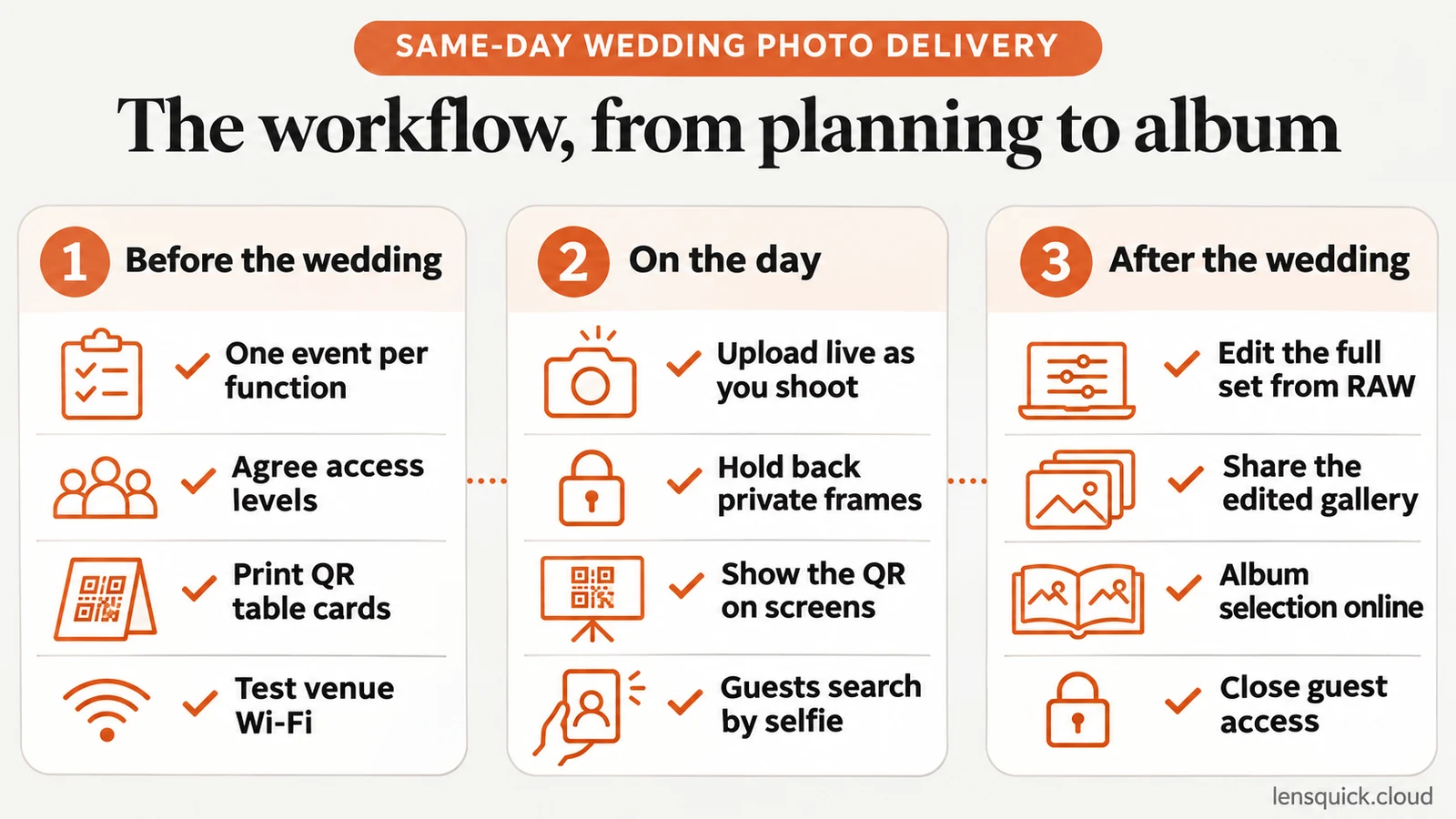
What same-day delivery covers, and what it doesn't
Same-day delivery is easy to over-promise, so agree on what it covers before you sell it.
| Same-day delivery is | Same-day delivery is not |
|---|---|
| A strong set of photos the couple and guests can see during the wedding | The finished, fully edited album |
| Photos with your colour profile, lightly corrected or straight from the camera | Detailed skin retouching and creative edits |
| A gallery that fills up as the day goes on | Every single frame you shoot |
| Each guest finding their own photos on their phone | You sending photos to guests one by one |
Put this in writing in the package description. When the couple knows the album follows on your usual timeline, the same-day gallery feels like a bonus instead of a rushed version of the real thing.
Same-day photos vs a same-day edit
The two are easy to confuse. A same-day edit is usually a short highlight video, cut during the wedding and played on the screen at the reception. Same-day photo delivery gives guests and the couple still photos they can keep, download and share on the day. They work well together: the video is a moment everyone watches at once, while the photo gallery is something each guest takes home on their own phone.
Why couples and guests want photos on the day
The reason is simple. People want to share the wedding while they are still at it. A photo of the varmala or the first dance is worth the most in the hours after it happens, when guests are posting stories and family members abroad are asking for pictures.
When the photographer can't supply those photos, guests fill the gap with their own phones. The moment still gets shared, just not your version of it, and not with your studio's name on it.
Same-day delivery changes that:
- Your photos become the ones people post. Every share carries your branding to an audience that includes future brides, grooms and their families.
- Fewer "please send my photos" messages. Guests help themselves during the event instead of messaging you for weeks afterwards.
- A clear reason to book you. "Your guests get their photos before they leave" is a promise couples understand straight away.
It is one of the clearest ways instant photo sharing pays for itself.
Before the wedding: set up the delivery plan
Almost all of the work happens before the day. Do these things at least a few days ahead.
Create one event for each function
Indian weddings often run over several days: haldi, mehendi, sangeet, the wedding itself and the reception. Create a separate event for each function. Each one gets its own gallery and its own QR code, so guests at the sangeet don't scroll past haldi photos to find themselves, and you can open or close each gallery on its own schedule.
Set access levels with the couple
Ask the couple who should see what. A common split looks like this:
- The couple: every photo, including getting-ready and private family moments.
- Close family: the full gallery of each function.
- Guests: public moments and the photos they appear in.
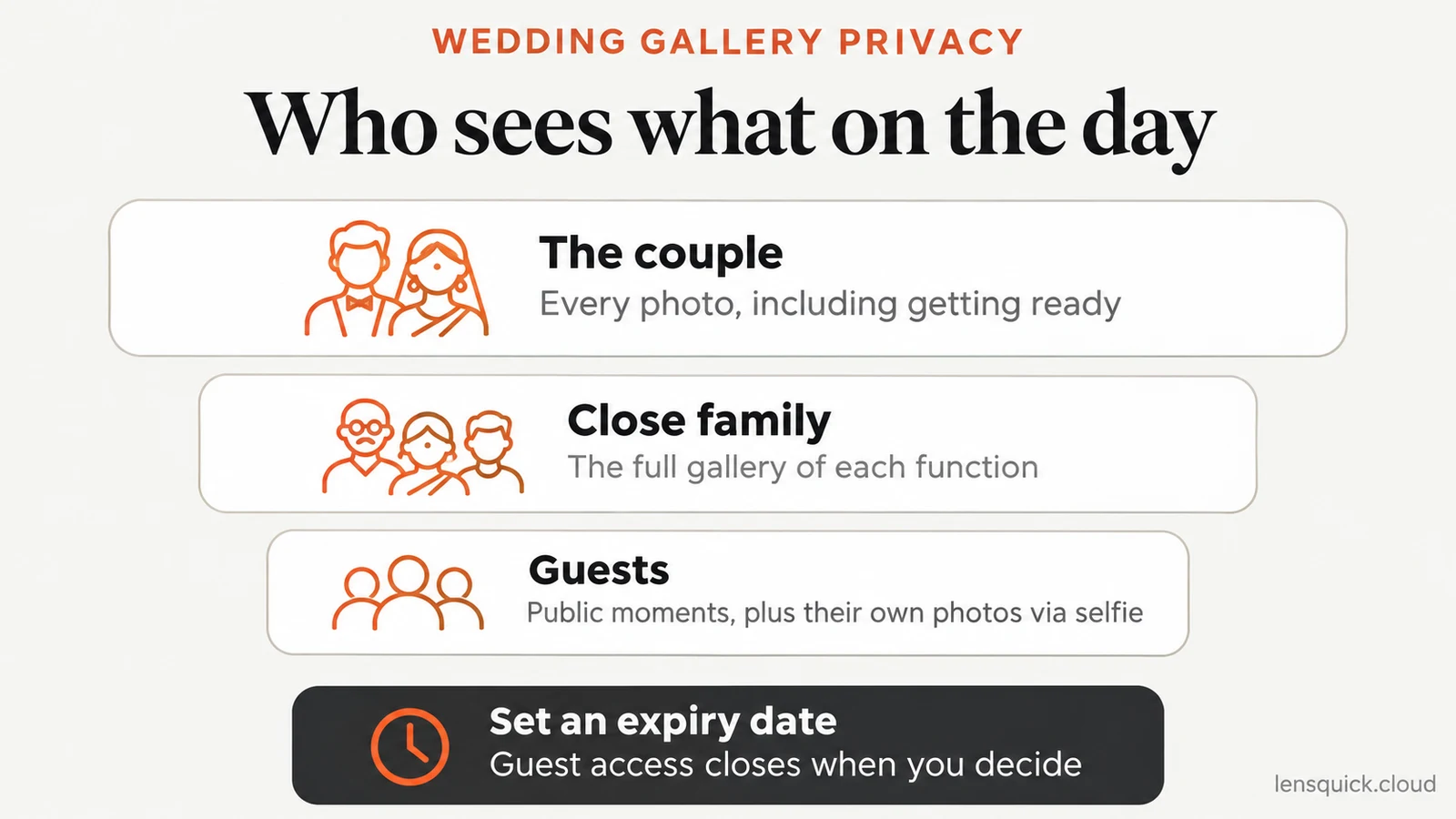
Give each level an expiry date, too. Our guide to sharing event photos with a QR code covers access levels and expiry dates in more detail.
Prepare the QR codes
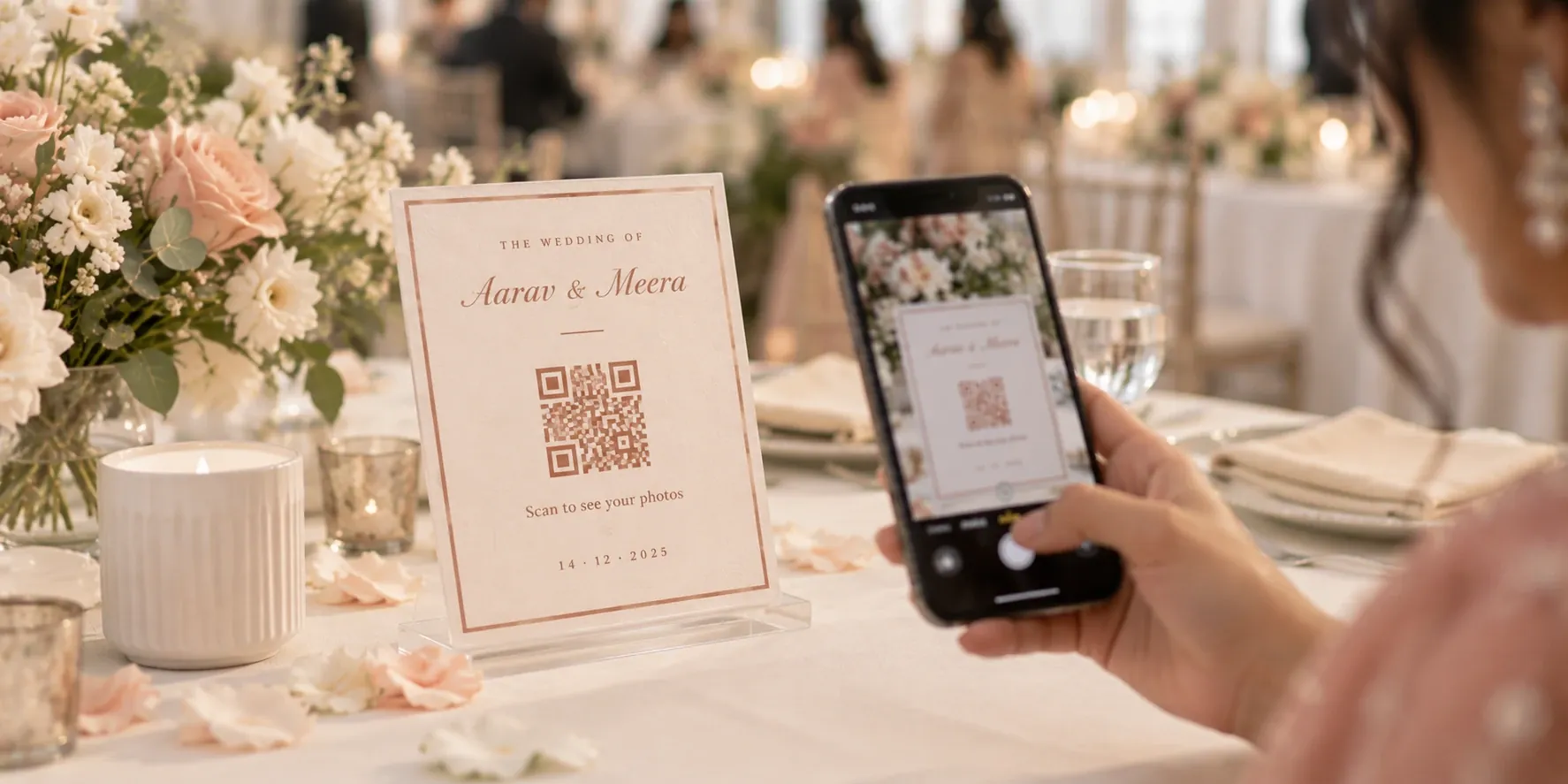
Print the QR code for each function on table cards, a welcome board or a standee, styled to match the décor. Add one short line such as "Scan to see today's photos", and print the code at least 3 cm across so every phone camera reads it. For the wedding and reception, ask the planner to show the code on the stage screen between rituals and speeches.
Test the connection at the venue
Same-day delivery depends on photos getting from your camera to the gallery. Visit the venue or call the venue manager to check the Wi-Fi, and carry a mobile hotspot as a backup. Banquet halls and outdoor lawns are often weaker than you expect, especially once hundreds of guests arrive with their phones.
Brief the couple and the planner
Two short conversations save a lot of confusion on the day:
- With the couple: confirm the access levels, which moments must stay private and when the edited gallery and album will follow.
- With the planner or emcee: ask for one announcement at each function, such as "Scan the code on your table and take a selfie to get your photos", and agree when the code appears on screen.
Pack the same-day delivery kit
Live delivery adds a few things to your usual bag. Check them the night before each function.
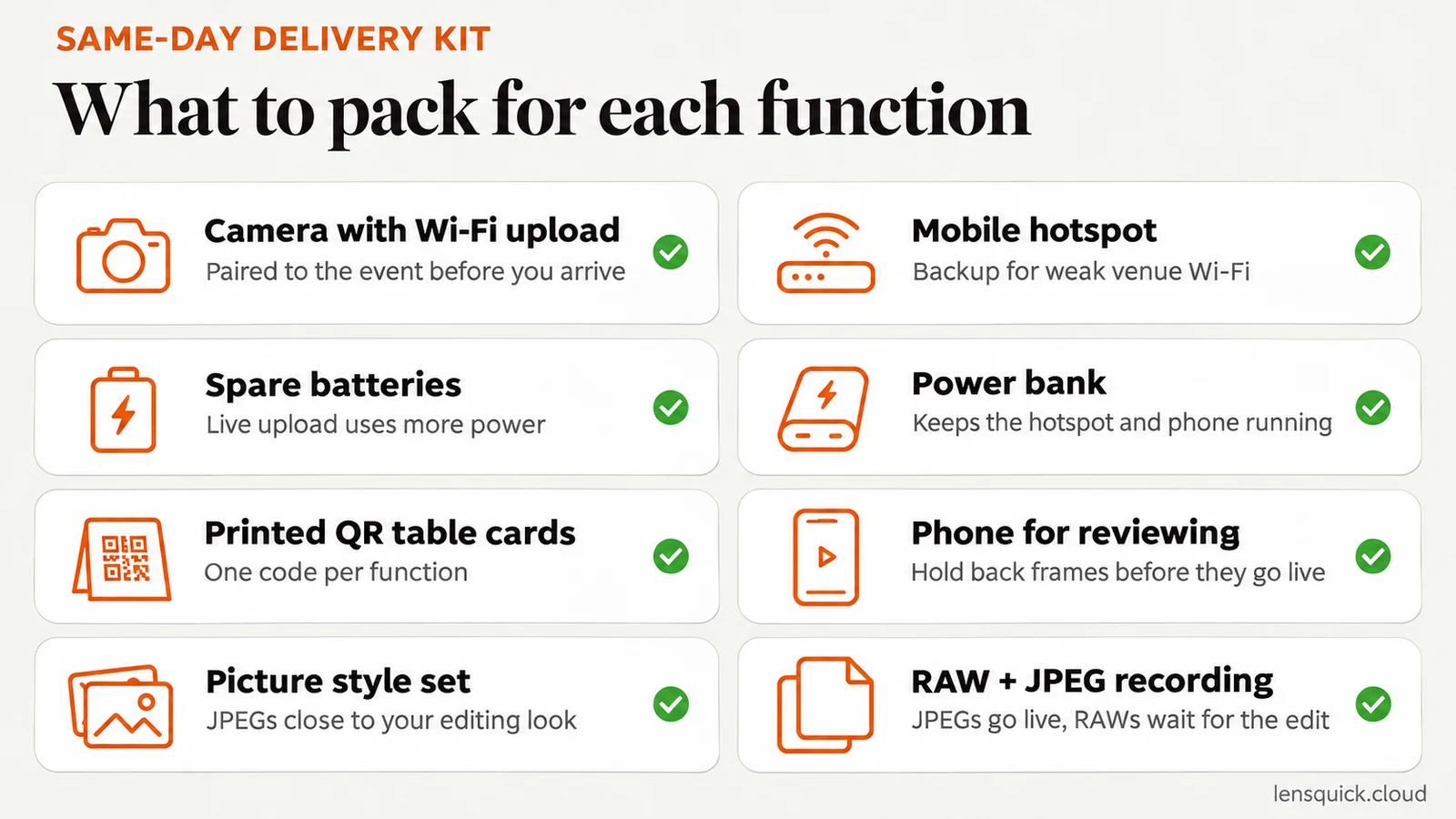
- A camera that uploads over Wi-Fi, paired to the event before you arrive.
- A mobile hotspot as a backup for weak venue Wi-Fi.
- Spare batteries, because live upload uses more power than normal shooting.
- A power bank for the hotspot and your phone.
- Printed QR table cards for each function.
- A phone for reviewing batches and holding back frames.
On the day: upload while you shoot
This is where same-day delivery either works or doesn't. If you plan to upload after the function, the gallery is empty when guests scan, and most of them won't come back.
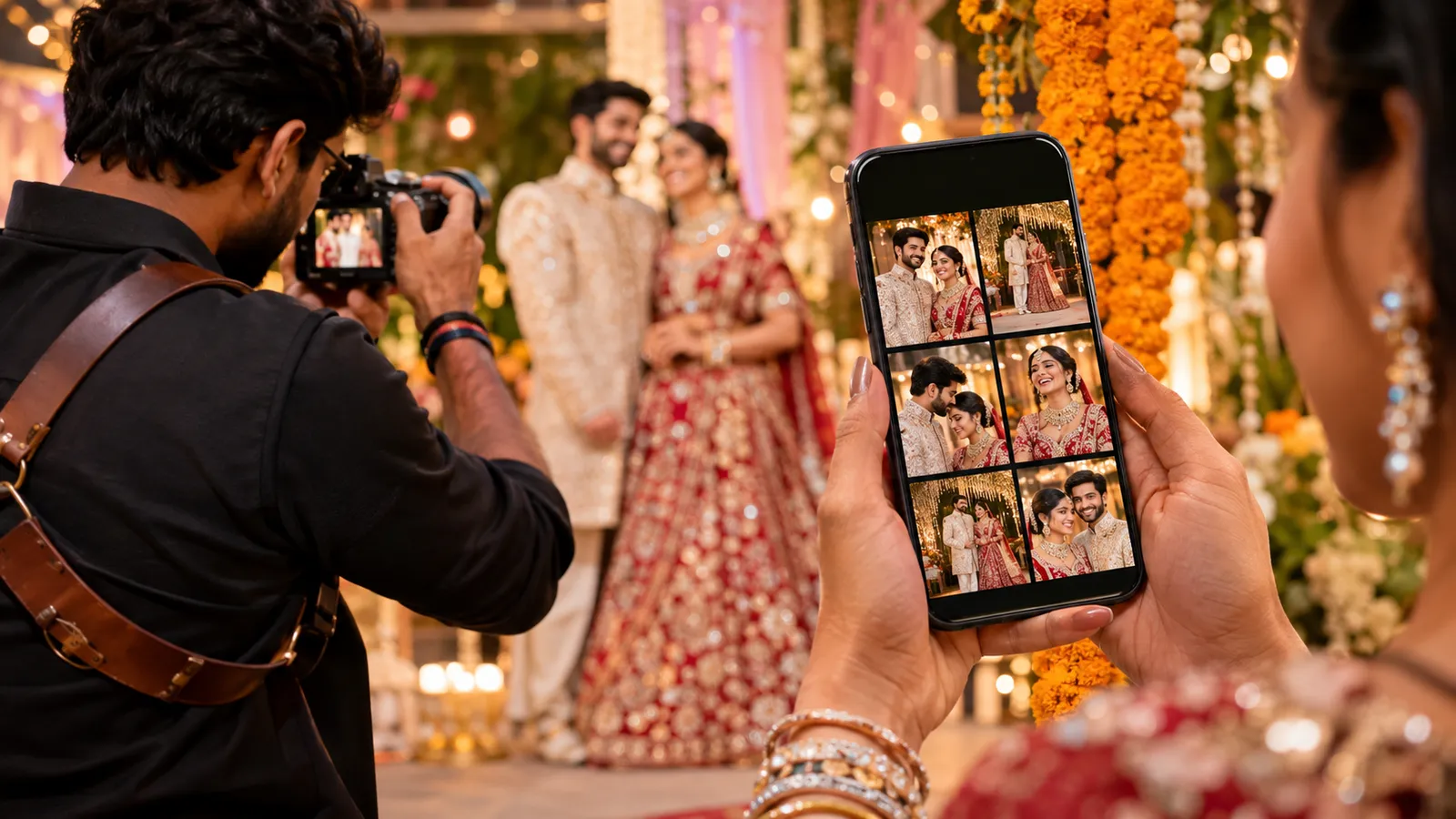
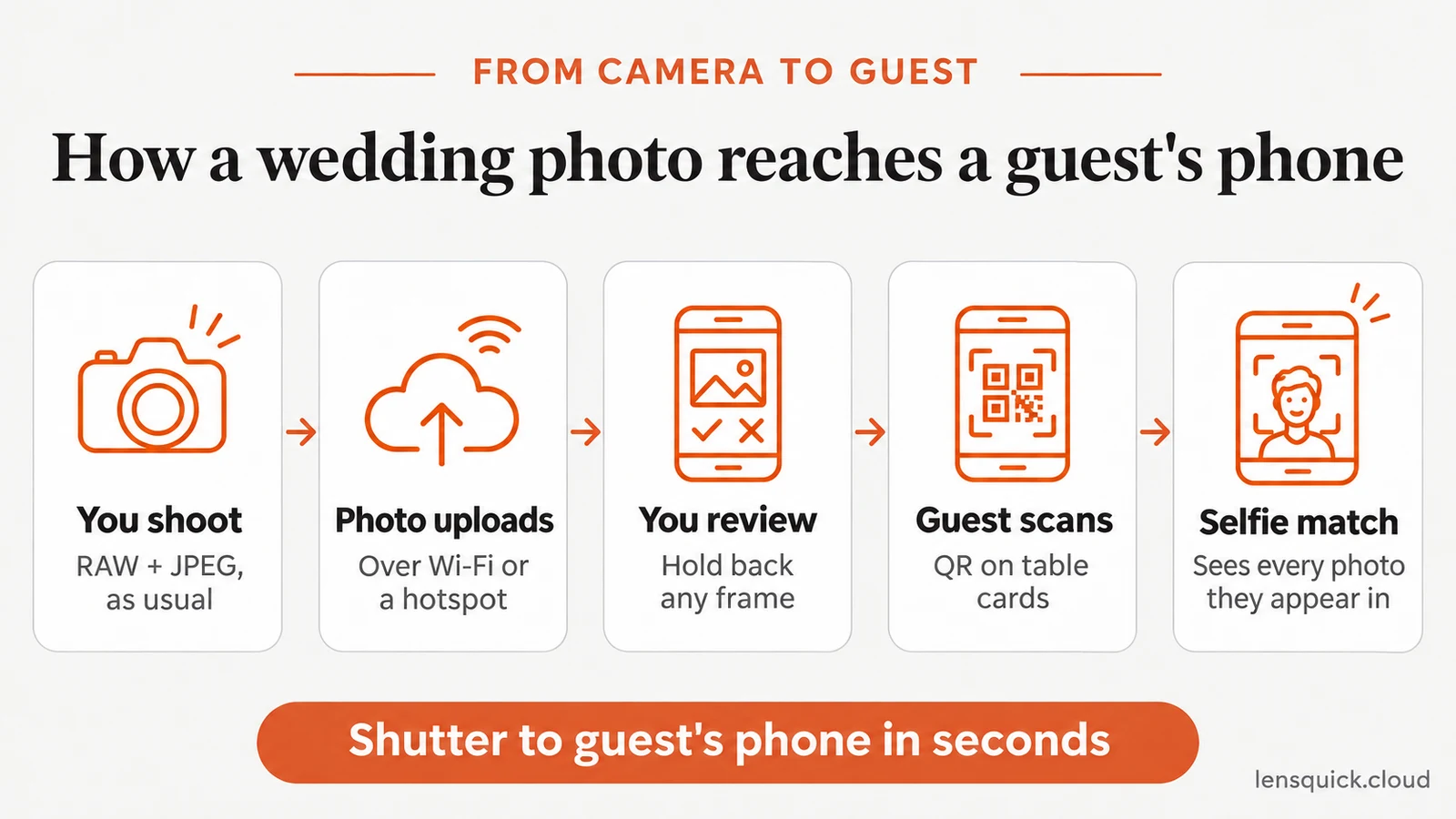
With Flare, every photo goes from your camera to the event gallery over Wi-Fi as you shoot, with no card swaps and no laptop in the corner. Guests who have scanned the code see each photo seconds after you take it.
Hold back frames that shouldn't go live
Not every frame belongs in a live gallery. Closed eyes, an awkward mid-bite moment or a private family exchange should stay with you. Review batches from your phone before they go live, or hold back individual frames. At large weddings, an assistant can do this while you keep shooting.
Keep the camera settings delivery-ready
Same-day photos go out with little or no editing, so get them right in the camera:
- Set a picture style or colour profile close to your editing look.
- Watch the white balance under stage lights and LED walls, which change colour often.
- Keep exposure consistent between the stage and the crowd.
- Shoot RAW plus JPEG, so the JPEGs can go live while the RAW files wait for your full edit.
If you want your logo on every photo guests share, turn on automatic watermarking before the function starts. It applies as photos upload, so it adds no work on the day.
How many photos to put live
Upload a strong selection, not every frame. Skip bursts, near-duplicates and unflattering moments. A gallery of good photos keeps guests scrolling and sharing, while a gallery full of repeats makes them give up. Everything you skip is still on your card for the full edit.
Function by function: what to deliver and when
Each function has different moments and a different pace. Use this as a starting point and adjust it with the couple.
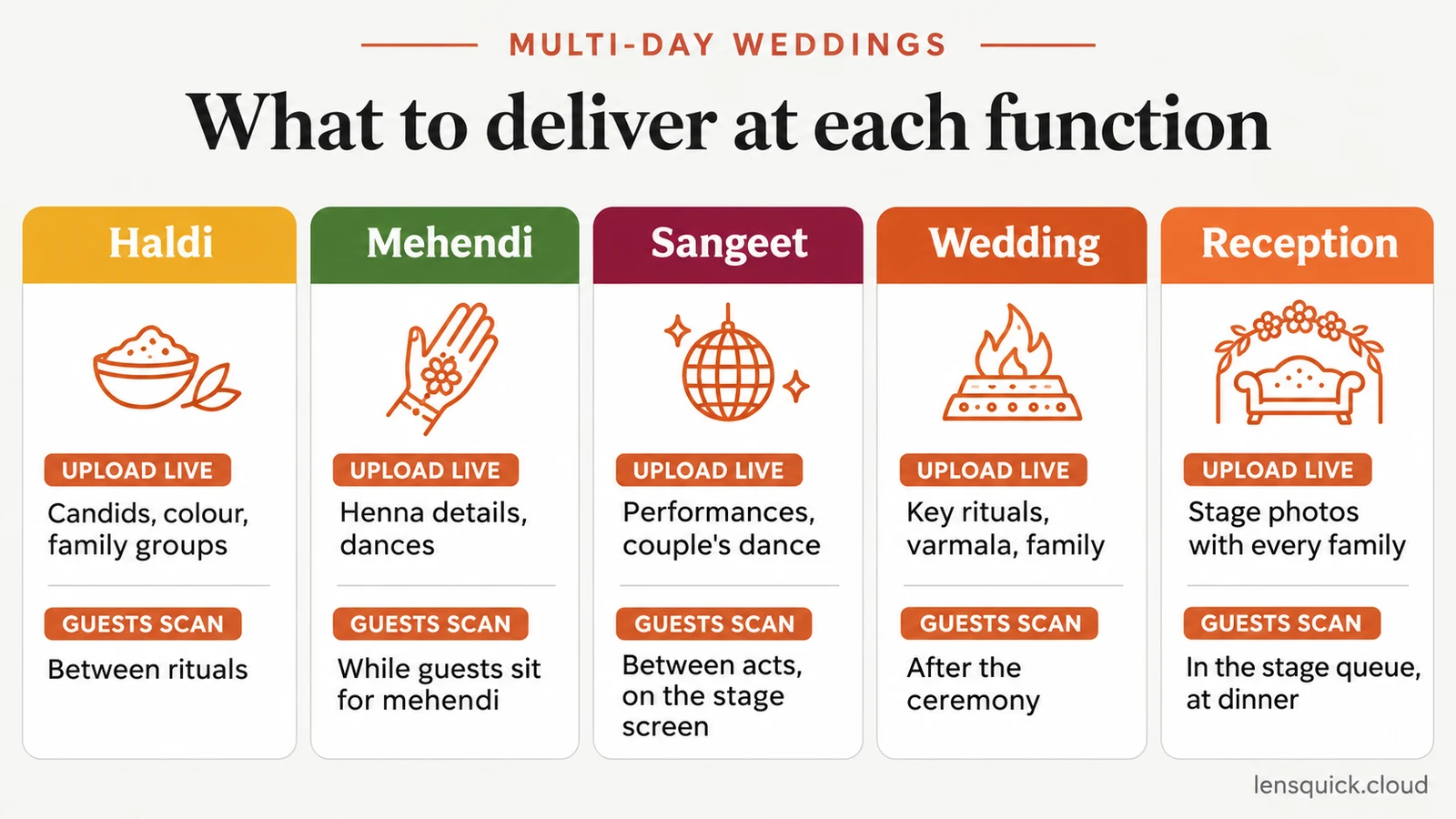
| Function | What to upload live | Best time for guests to scan |
|---|---|---|
| Getting ready | Hold most of it back for the couple only | Not shared with guests |
| Haldi | Candids, colour, family groups | Between rituals |
| Mehendi | Henna details, laughter, dances | While guests sit for their mehendi |
| Sangeet | Performances, the couple's dance, group shots | Between performances, on the stage screen |
| Wedding ceremony | Key rituals, varmala, the couple with family | After the ceremony, at the meal |
| Reception | Stage photos with every family, candids, the couple's entry | While guests queue for the stage and at dinner |
A sample reception timeline
The reception is often where same-day delivery matters most. Hundreds of guests come on stage for a photo with the couple, and almost every one of them wants that photo before they leave. Here is how a typical evening can run.
| Time | What happens | What you do for delivery |
|---|---|---|
| Before guests arrive | Venue setup | Check the connection, place QR table cards, confirm the screen slot |
| Couple's entry | Guests gather | Shoot the entry, let the first photos go live |
| Stage photos begin | Families queue for the stage | Keep uploading; the planner shows the QR code on screen |
| Dinner | Guests sit down | The emcee announces the QR code; guests scan and search by selfie |
| Late evening | Close family remain | Final family groups go live; the couple sees the full gallery |
Adjust the times to the event. What matters is that the gallery has photos in it before the first announcement.
Let every guest find their own photos
A full wedding day can produce several thousand photos. Nobody scrolls through all of them to find the five they appear in, so the gallery has to do the searching.
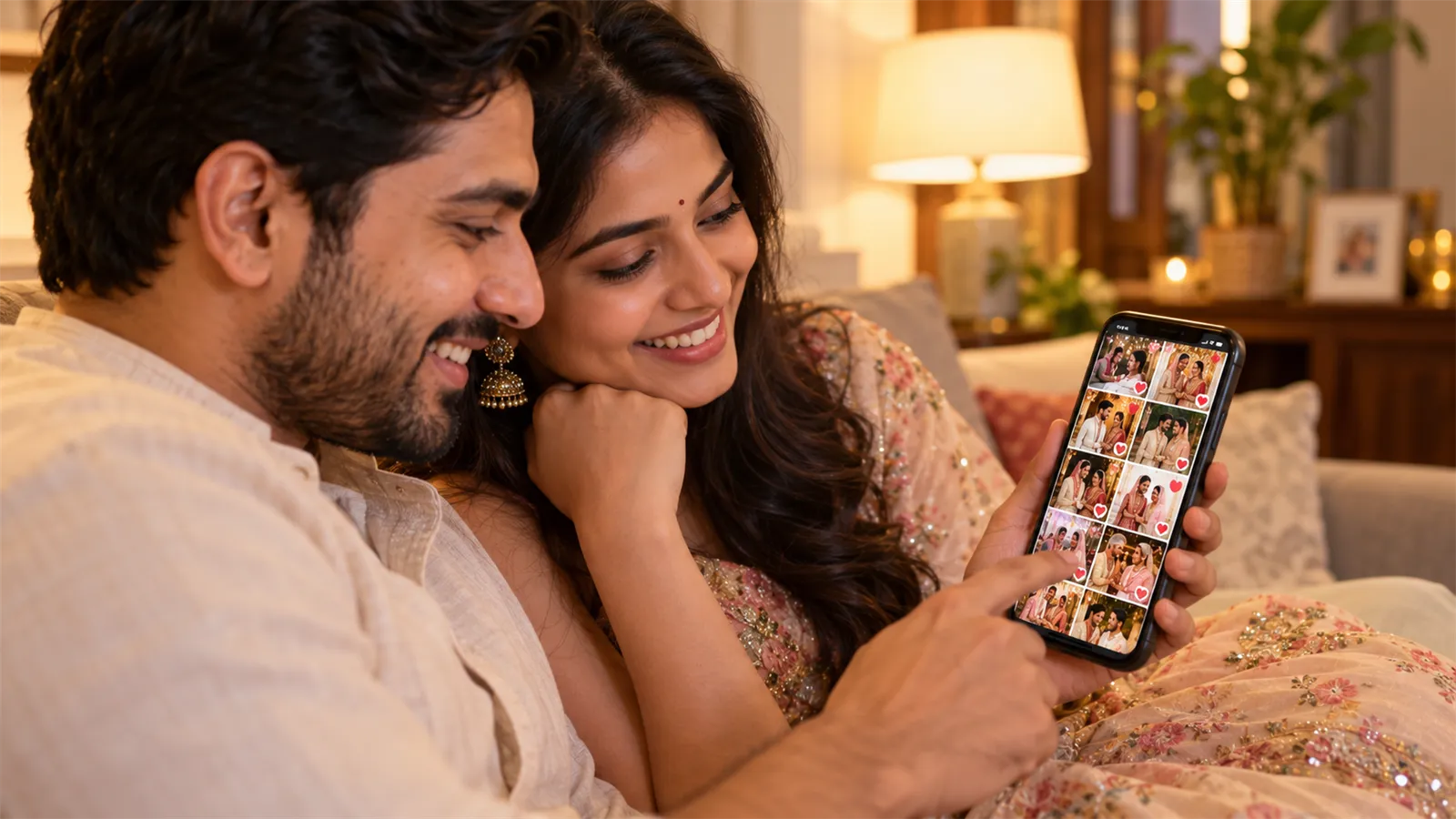
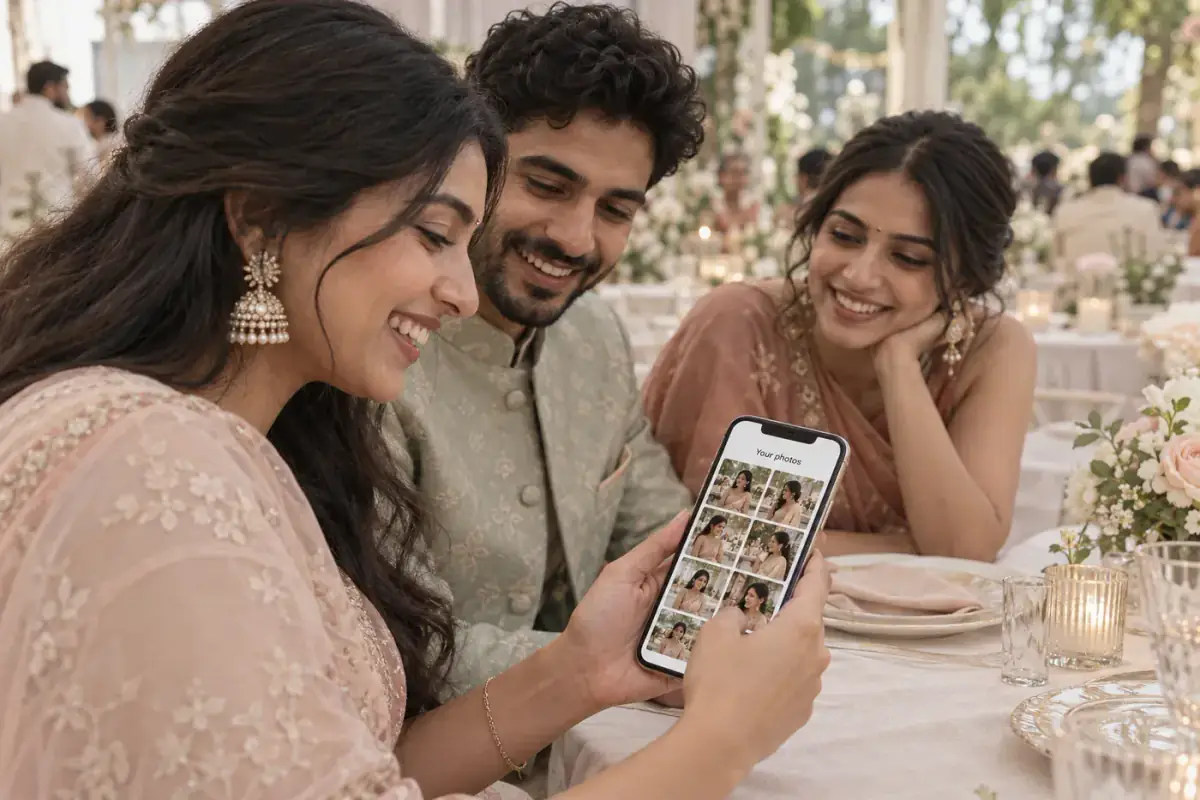
With AI face search, a guest scans the QR code, takes one selfie and sees every photo they appear in, including stage photos, group shots and candids from across the venue. Guests see only their own matches, while the couple still has the complete gallery. This is what AI photo sharing means in practice.
For a step-by-step setup of face matching, including tips for better matches in low light and crowds, see our guide to sharing event photos using face recognition.
After the wedding: the full gallery and the album
Same-day delivery doesn't replace your usual work after the wedding. It changes what that work looks like.
- Cull and edit the full set. Work from the RAW files as you normally would. The same-day JPEGs already did their job.
- Upload the edited gallery for the couple. Replace or add to the live gallery, so the family has the finished photos in the same place they already know.
- Send the album selection link. The couple and family pick their album photos online, up to the limit in their package, with no pen drives or photo numbers sent over chat. Read what to look for in photo selection software if you are choosing a tool.
- Export the picks to your RAW files. With photo selection in LensQuick, you filter the couple's picks and copy the matching RAW files to your editing folder in one click.
- Close guest access on the expiry date. The couple keeps the full gallery, and the deadline encourages print orders.
How to price same-day delivery
Same-day delivery takes planning, extra equipment and attention on the day. It is also something clients notice and talk about, so don't give it away for free.
Studios usually handle it in one of two ways:
- Include it in premium packages. It becomes a clear reason to choose the higher tier.
- Offer it as an add-on per function. The couple can choose it for the reception only, or for every function.
Whichever you choose, write down exactly what is included: which functions, roughly how many photos go live, whether guests get face search, and when the edited gallery and album follow. You can see what the platform costs on our pricing page and build it into your rate.
Common mistakes to avoid
- Promising the full album on the day. Set expectations in the package, not at the venue.
- Skipping the venue connection test. A weak signal at the reception is the most common reason same-day delivery fails.
- Sharing the QR code before any photos are live. Guests who find an empty gallery rarely scan again.
- One gallery for every function. Separate events keep each gallery easy to search and easy to close.
- No access levels. Getting-ready photos visible to every guest is a conversation you don't want to have with the couple.
- Uploading every burst. Repeats bury your best frames and make guests stop scrolling.
- Forgetting guests who leave early. Share the gallery link in the couple's thank-you message as well.
Same-day wedding photo delivery checklist
Use this list before every wedding:
- Create one event per function, with its own QR code.
- Agree access levels and private moments with the couple.
- Set expiry dates for guest access.
- Print QR table cards and confirm the screen slot with the planner.
- Test the venue connection and pack a hotspot.
- Charge batteries, the hotspot and a power bank.
- Set your picture style and shoot RAW plus JPEG.
- Turn on watermarking and branding.
- Upload live, hold back private frames and keep the gallery selective.
- After the wedding, edit from RAW, share the edited gallery and send the album selection link.
Make same-day delivery part of how you work
Same-day wedding photo delivery is less about working faster and more about setting things up properly before the wedding. Create an event for each function, agree on access with the couple, test the connection, upload as you shoot and let guests find their own photos. After the wedding, your editing and album work carry on as normal.
Do it for a few weddings and it stops feeling like an extra job. It becomes part of your service, and one of the reasons couples recommend you. To see the full flow from camera to guest, read how LensQuick works.
Frequently asked questions
What is same-day wedding photo delivery?
It means sharing wedding photos with the couple and guests on the wedding day itself, usually through a live online gallery. Guests see the photos while the celebration is still going, instead of waiting weeks for a link.
Does same-day delivery mean the photos are fully edited?
No. Same-day photos are usually lightly corrected or straight from the camera with your colour profile applied. The fully edited set and the album follow later, on your usual timeline.
Is same-day photo delivery the same as a same-day edit?
No. A same-day edit usually means a short highlight video cut during the wedding and played at the reception. Same-day photo delivery means guests and the couple can see and download still photos on the day. Many studios offer both.
How long does normal wedding photo delivery take?
It varies by studio and package. Edited galleries often take a few weeks, and printed albums take longer because the couple has to choose photos first. Same-day delivery does not replace that timeline. It adds a live gallery on top of it.
Can I deliver same-day photos at a multi-day Indian wedding?
Yes. Create a separate event for each function, such as haldi, mehendi, sangeet, the wedding and the reception. Each one gets its own gallery and QR code, so guests find photos from the function they attended.
Do I need a second shooter or an assistant?
Not necessarily. If photos upload from the camera as you shoot, a single photographer can deliver on the day. An assistant helps at large weddings, mainly to review and hold back frames from a phone.
What equipment do I need for same-day delivery?
A camera that can upload over Wi-Fi, a mobile hotspot as a backup connection, spare batteries, a power bank, a phone to review photos and printed QR codes for each function.
What if the venue has no Wi-Fi?
Bring a mobile hotspot and test it at the venue before the day. If the connection is weak, upload a first selection during a quiet moment, such as dinner, so the gallery is never empty when guests scan.
How many photos should I upload on the wedding day?
Upload a strong selection, not every frame. Skip bursts, near-duplicates and unflattering moments. A smaller set of good photos keeps guests scrolling and sharing, while the full set follows after your edit.
How do guests find their own photos in a large wedding gallery?
With face search. A guest scans the QR code, takes one selfie and sees every photo they appear in, including stage photos and group shots. Nobody has to scroll through thousands of images.
Do guests need to install an app?
No. Guests scan the QR code with their phone camera and the gallery opens in the browser. They don't need an app or an account.
How do I keep private photos away from guests?
Set access levels before the wedding. The couple and close family can see everything, while guests see public moments and the photos they appear in. Hold back any individual frame before it goes live.
Should I charge extra for same-day delivery?
Most studios do, either as part of a premium package or as an add-on. It takes planning, equipment and attention on the day, and clients value it highly, so it should not be a free extra.