[ Bookings & clients ]
Booking & Client Management
Every enquiry, booking and client, in one place. Accept new bookings from your phone, see your whole season at a glance and never lose track of a client again. Perfect for busy studios in peak season.
[ 01 / One calendar ]
Your whole season, in one view
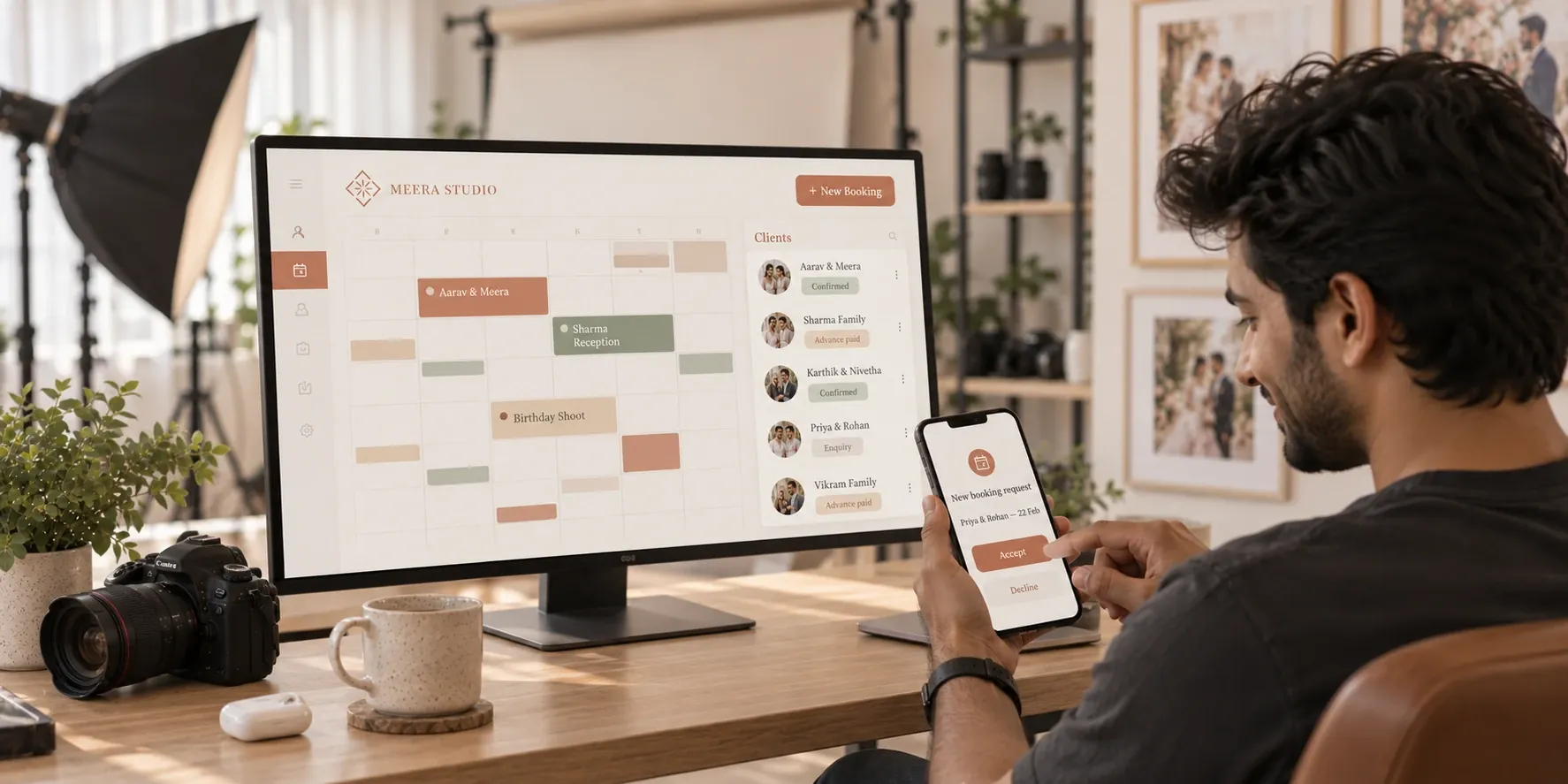
Shoots, meetings and deadlines live together in a single colour-coded calendar. See your week, your month or your entire wedding season at a glance, and always know exactly what's coming next.
Colour-coded
Every kind of work, instantly recognisable.
Always know what's next
Your week and month in one view. Ideal for multi-shooter studios.
More than shoots
Meetings and deadlines in the same place.
 GET STARTED
[ 02 / On the go ]
Accept bookings in a single tap
New requests arrive straight on your phone. Accept or decline wherever you are, between shots or on the road, and keep every client's details right at your fingertips.
Mobile-first
Run your bookings from your phone. Perfect for photographers on the move.
New requests
Arrive straight on your phone.
Client profiles
Contacts, past events, payments and notes.
GET STARTED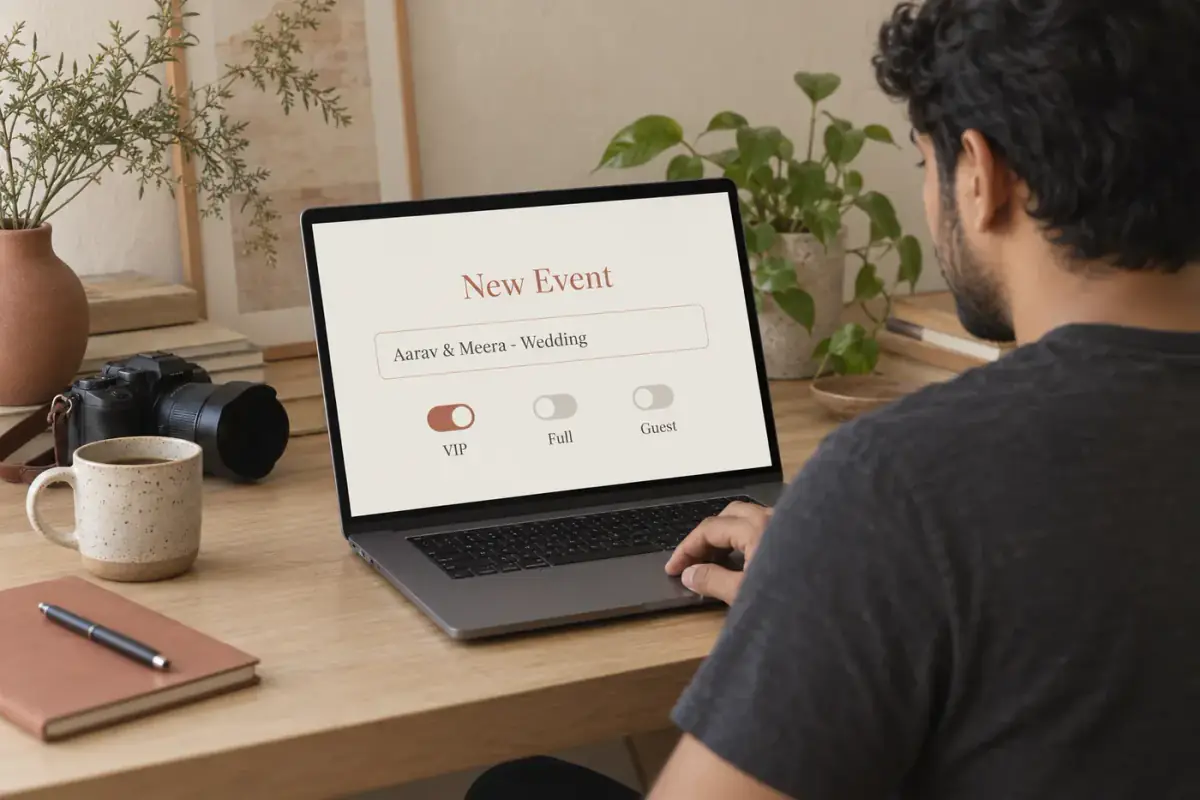
[ WHY STUDIOS LOVE IT ]
Organised, from enquiry to delivery
Every client remembered
Past events and notes, ready the moment a client comes back.
Faster replies
Answer enquiries in a tap, before they book someone else.
A calmer peak season
Everything scheduled in one place, nothing slipping through.
No more scattered notes
One profile per client, always up to date.
[ HOW IT WORKS ]
Up and running in 4 steps
- 01
An enquiry arrives
Straight on your phone.
- 02
Accept or decline
In a single tap.
- 03
It's in the calendar
Colour-coded with everything else.
- 04
The profile grows
Details, events, payments and notes.
Can I manage bookings from my phone?
Yes. New requests arrive on your phone, and you can accept or decline them in a tap.
What's in a client profile?
Contact details, past events, payments and notes, all in one place.
Does the calendar include more than shoots?
Yes. Shoots, meetings and deadlines all appear in one colour-coded view.
Is this only for large studios?
No. Solo photographers and bigger studios both use it to keep every booking in one place.
[ MORE FEATURES ]
Explore what else LensQuick does
 Photography websiteShowcase WebsiteLaunch your photography portfolio website in minutes.
 Instant photo deliveryFlare: Real-time UploadsLive event photo sharing, with photos on guests' phones seconds after the shutter clicks.
 AI face recognitionAI Face SearchOne selfie finds every photo a guest appears in.
Try Booking & Client Management
Booking & Client Management keeps your schedule and your clients beautifully organised, so you can focus on the shoot, not the admin.
GET STARTED