[ QR sharing ]
QR code photo sharing for events
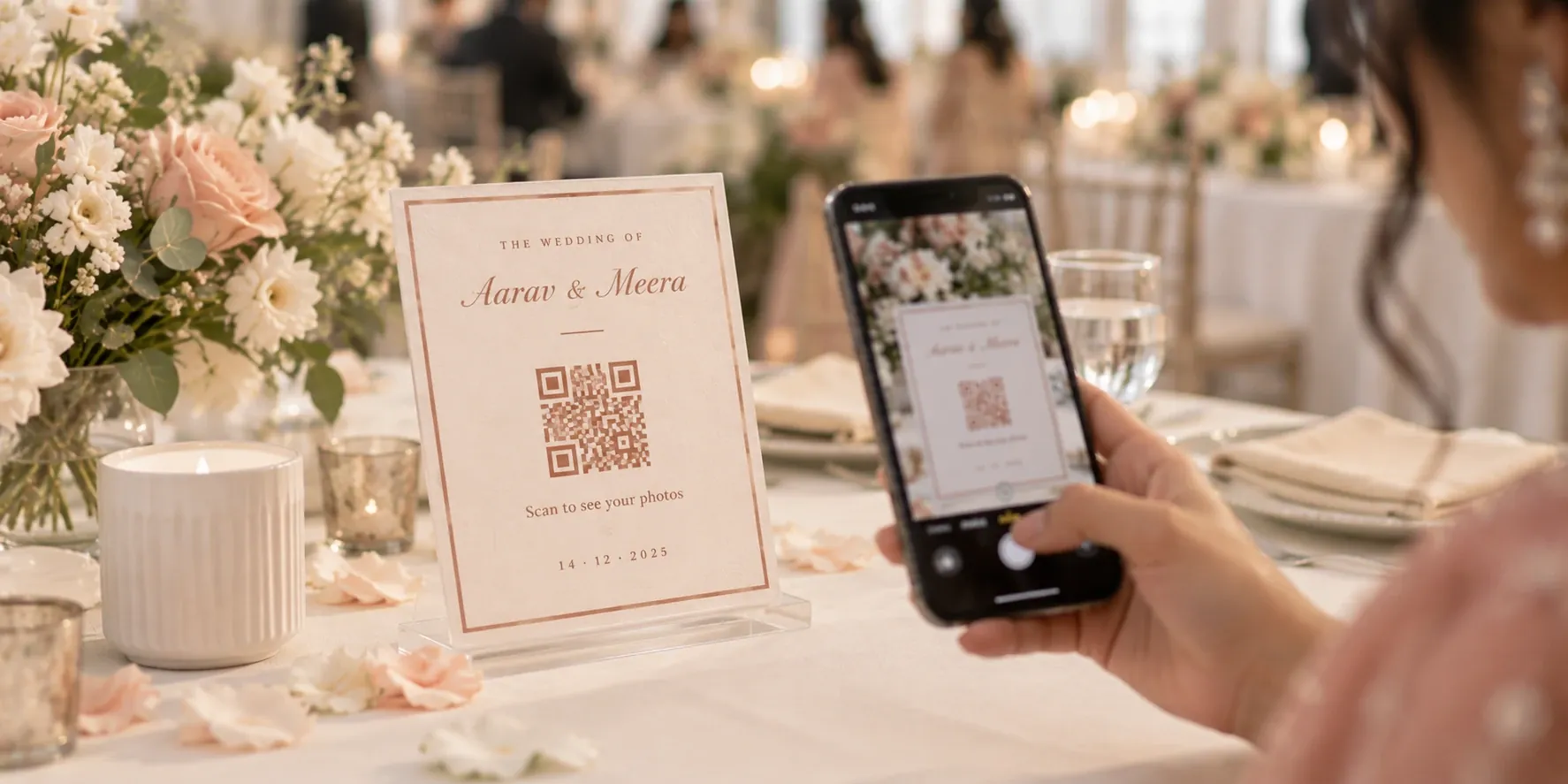
QR code photo sharing in its simplest form: one code on the table, every guest in the gallery. Guests point their phone camera, and your photos are right there, with no app to download and no account to create. Perfect for weddings, birthdays and corporate events.
[ 01 / Scan and go ]
The fastest way from table to gallery
Place one QR code on table cards, screens or invitations, and every guest is a single scan away from your photos. No links to send, no passwords to share, no apps to explain. Just point, tap and enjoy.
One code per event
Generated automatically for every event. Ideal for studios running several events a week.
Works on any phone
Any phone camera opens the gallery. Perfect for guests of every age.
In within seconds
From scan to photos in moments, while guests are still at the table.
 GET STARTED
[ 02 / Access control ]
You decide who sees what
Give the couple VIP access, share the full gallery with family and keep a lighter view for everyone else, all on the same event and each with its own expiry date. Ready-made table cards and standees are styled to match the décor.
VIP, full or guest
Different access for different people. Essential for weddings and private events.
Expiry dates
Close the gallery exactly when you choose.
Designed to match
Table cards and standees that look like part of the décor.
GET STARTED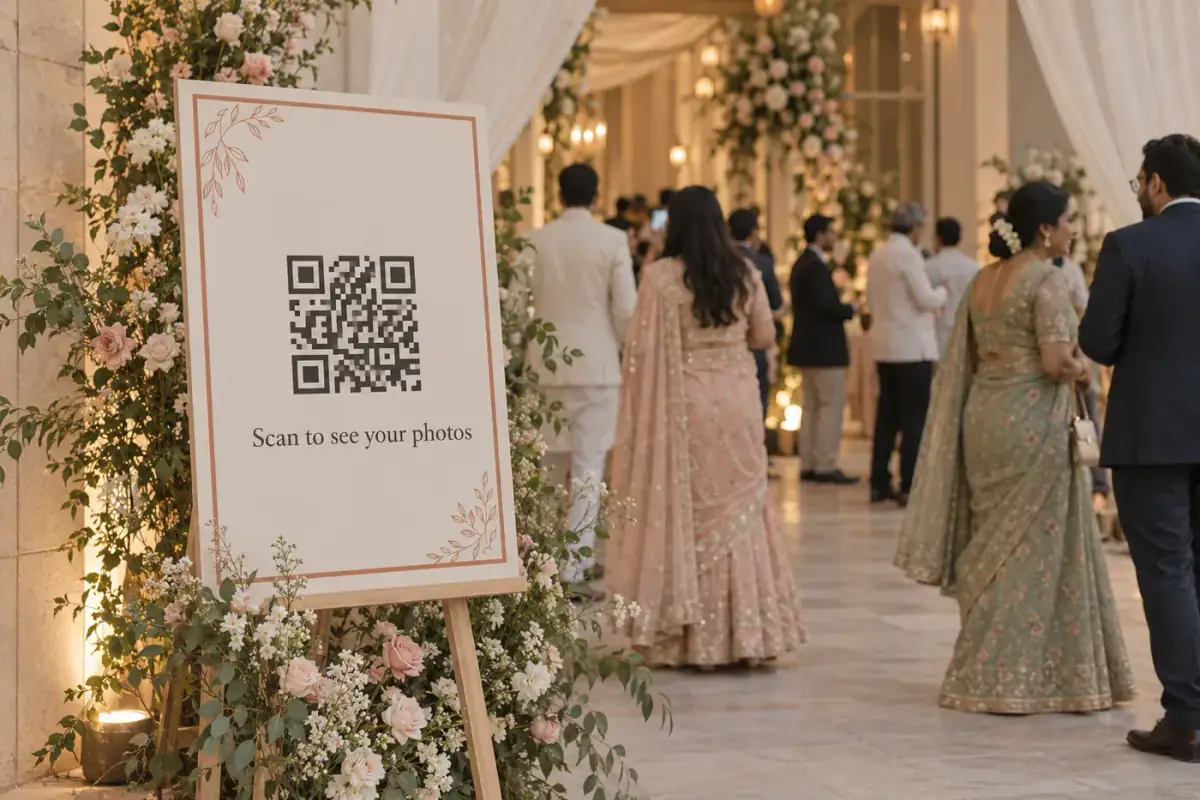
[ WHY STUDIOS LOVE IT ]
Sharing made effortless
Every guest reached
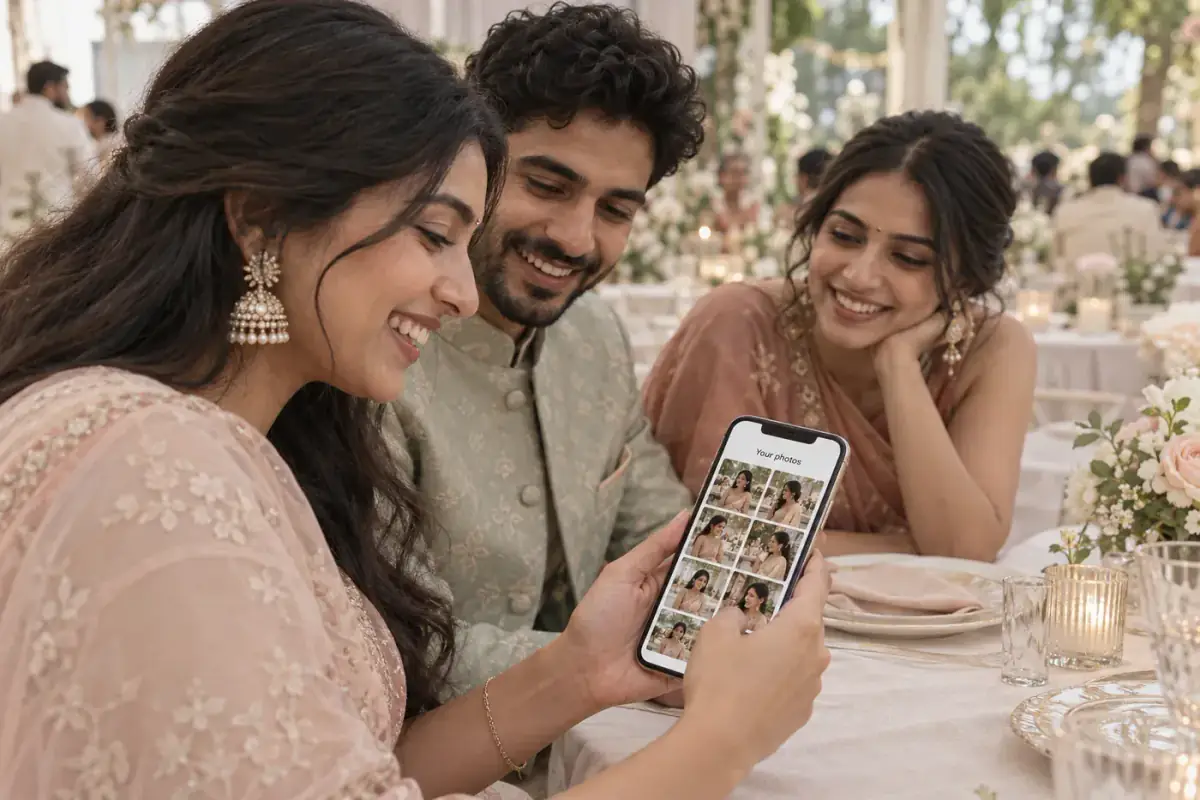
If they have a phone camera, they can see their photos. No one gets left out.
No more sending links
Stop sharing gallery links one guest at a time. One code does it all.
Zero friction
One quick scan means more guests actually open your gallery.
Part of the décor
Beautiful cards and standees that guests notice, and scan.
[ HOW IT WORKS ]
Up and running in 4 steps
- 01
Create the event
Its QR code is generated automatically.
- 02
Set access levels
VIP, full or guest, each with an expiry.
- 03
Display the code
Table cards, standees, screens or invites.
- 04
Guests scan
Any phone camera opens the gallery.
Do guests need to download an app?
No. Any phone camera can scan the code and open the gallery.
Can different guests get different access?
Yes. Set VIP, full or guest access on the same event, each with its own expiry date.
Where should I place the QR code?
Anywhere guests will see it: table cards, standees, screens at the venue, invitations or thank-you messages.
Can gallery access expire?
Yes. Each access level has its own expiry date, so you decide how long the gallery stays open.
[ RELATED READING ]
From the blog
[ MORE FEATURES ]
Explore what else LensQuick does
 Album selectionPhoto SelectionClients pick their album photos online, and you export the RAW files in a click.
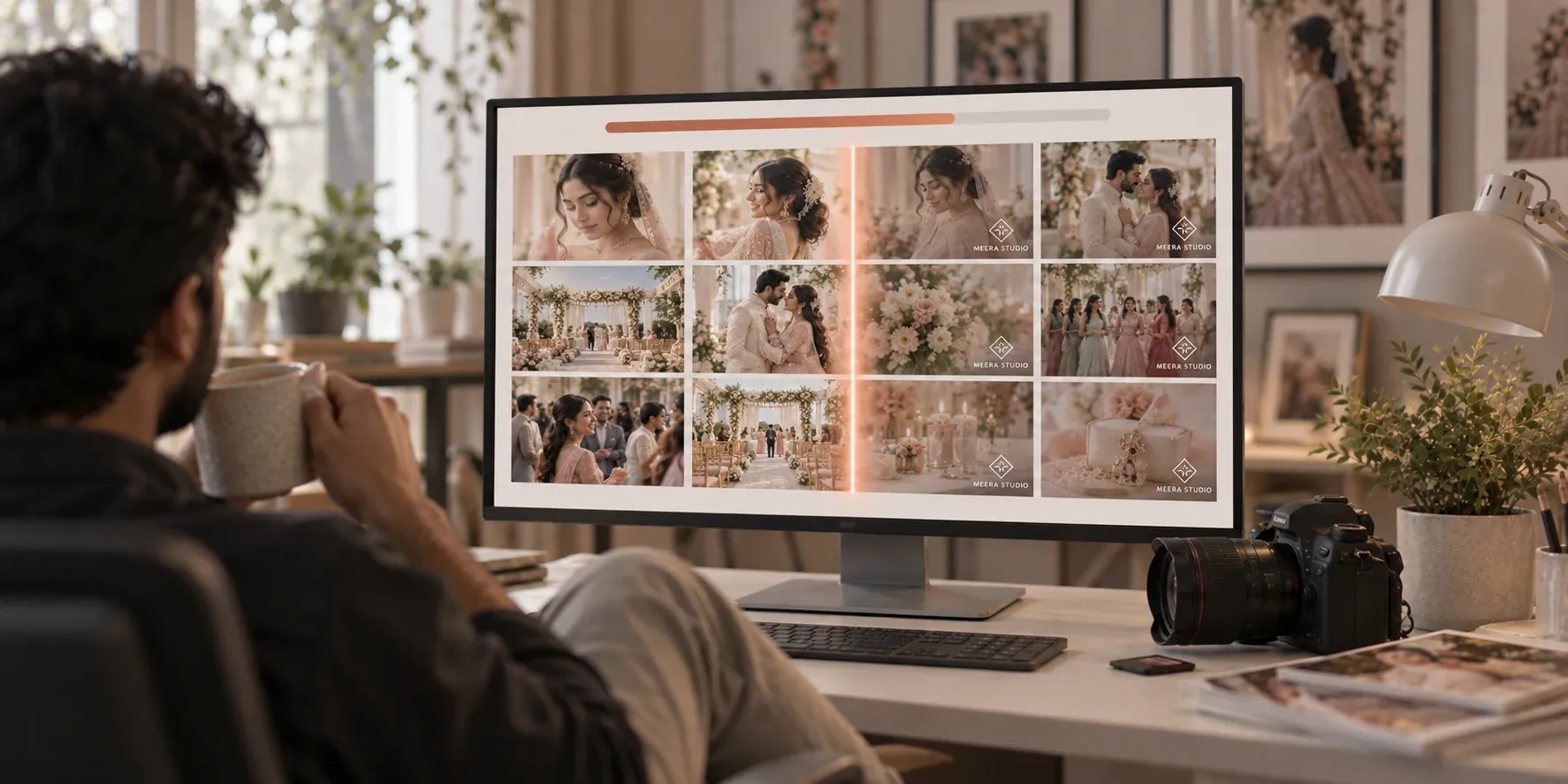 Automatic watermarkingAutomatic WatermarkingYour watermark stamped on every photo automatically, no editing needed.
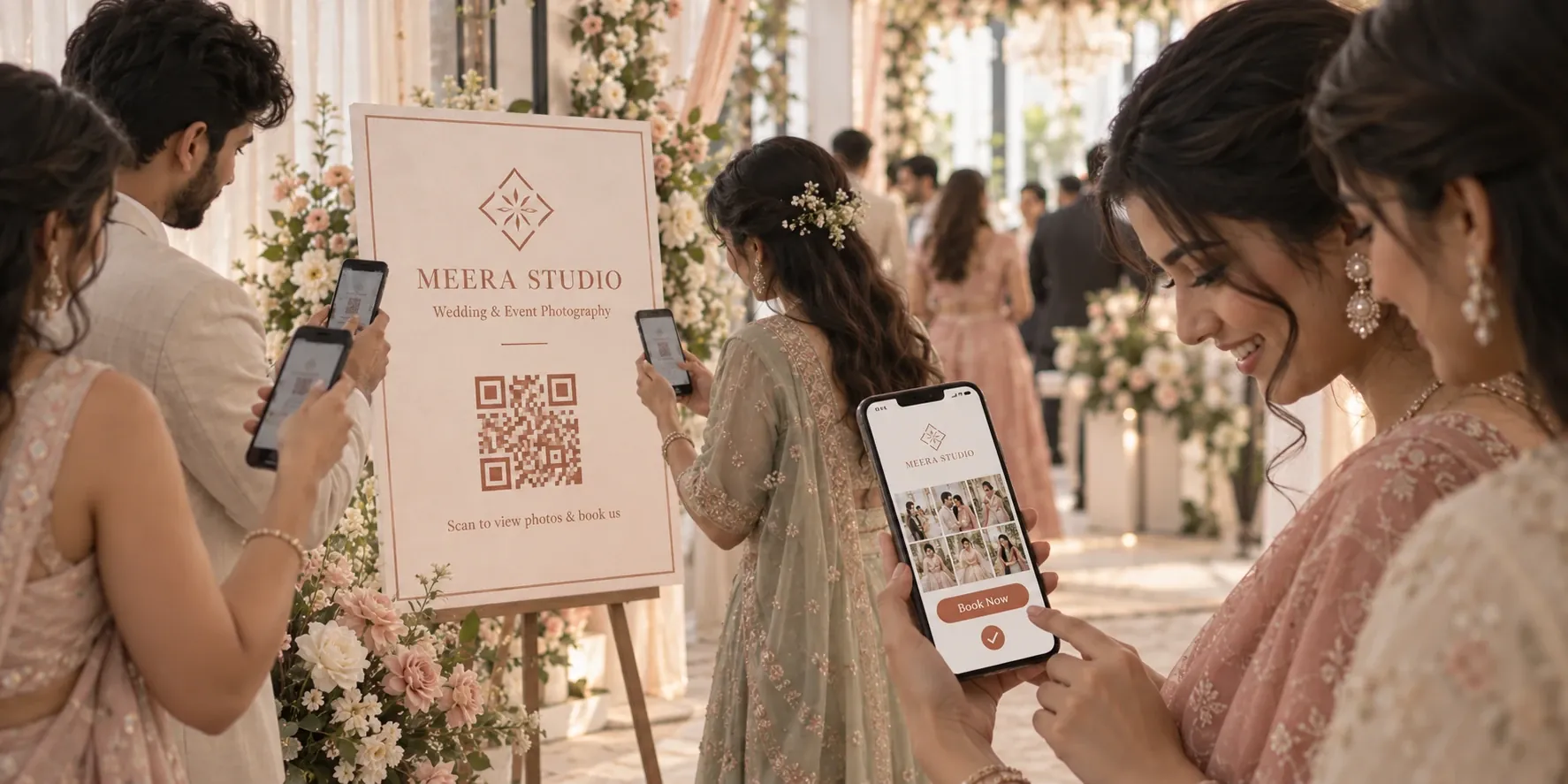 Branding & client growthBrandingYour brand in front of every guest, turning event scans into new bookings.
Try QR Code Sharing
QR code photo sharing puts your photos in front of every guest with a single scan. Put the code on the table, and let your gallery do the talking for you.
GET STARTED