What Is AI Photo Sharing? A Guide for Event Photographers
AI photo sharing uses face recognition to give each event guest their own photos from one selfie. See how it works, where it falls short and how to choose.
Key takeaways
- AI photo sharing uses face recognition to show each guest only the photos they appear in, after they take one selfie.
- It saves the most time at events with many guests, where nobody wants to scroll through thousands of photos.
- The AI sorts photos by face. It does not choose your best shots, edit them or replace your eye as a photographer.
- Matching is good but not perfect, so the client should always keep access to the complete gallery.
- Face data is personal data, so build consent into your setup, especially at school events.
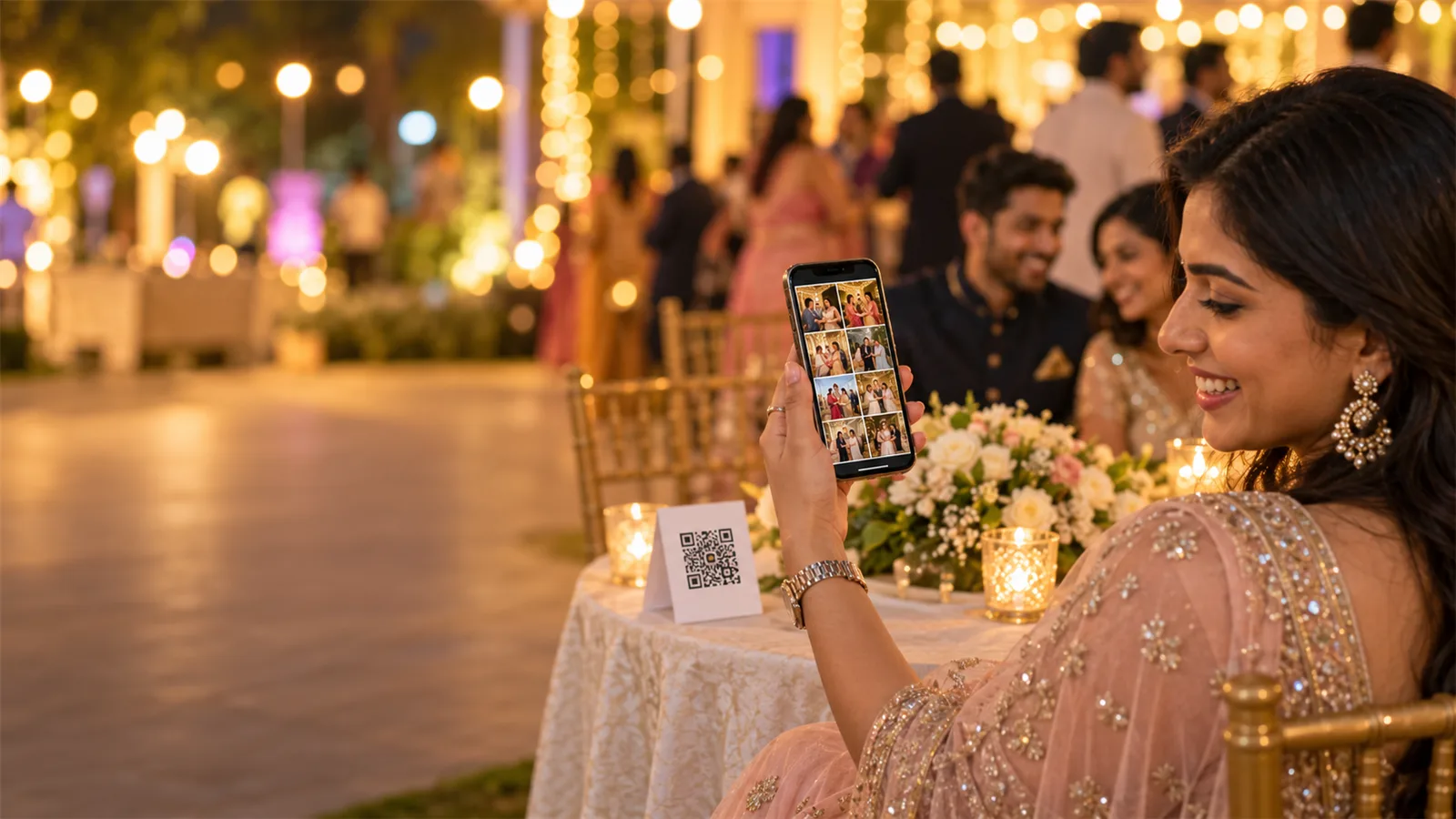
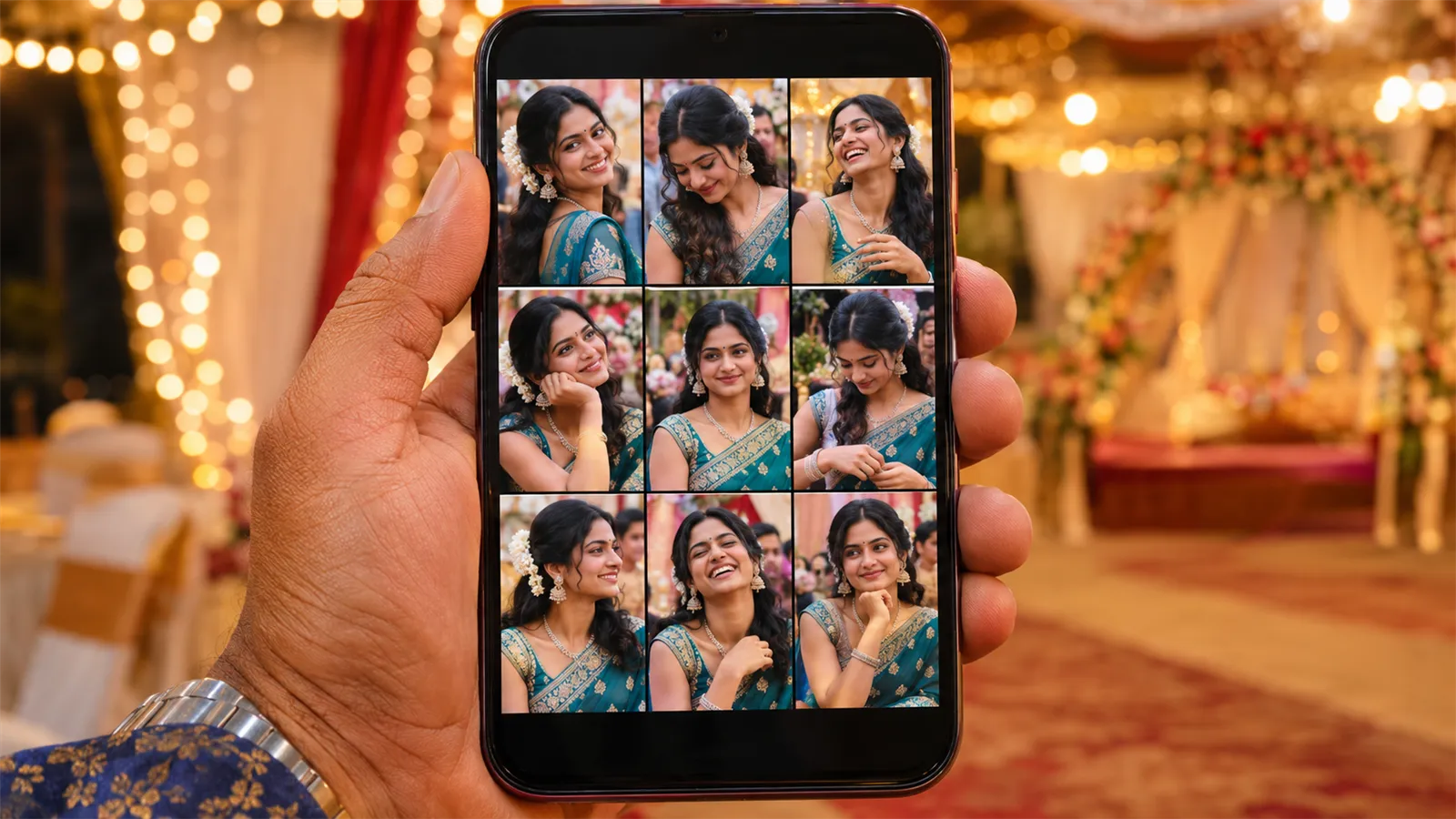
AI photo sharing is a way to deliver event photos in which software recognises the faces in every photo, and each guest gets only the photos they appear in. The guest takes one selfie, and a personal gallery opens within seconds. No one has to scroll through the whole event or message the photographer.
This guide explains how AI photo sharing works, what the AI does and doesn't do, where it falls short, and how to choose a tool for your studio.
What is AI photo sharing?
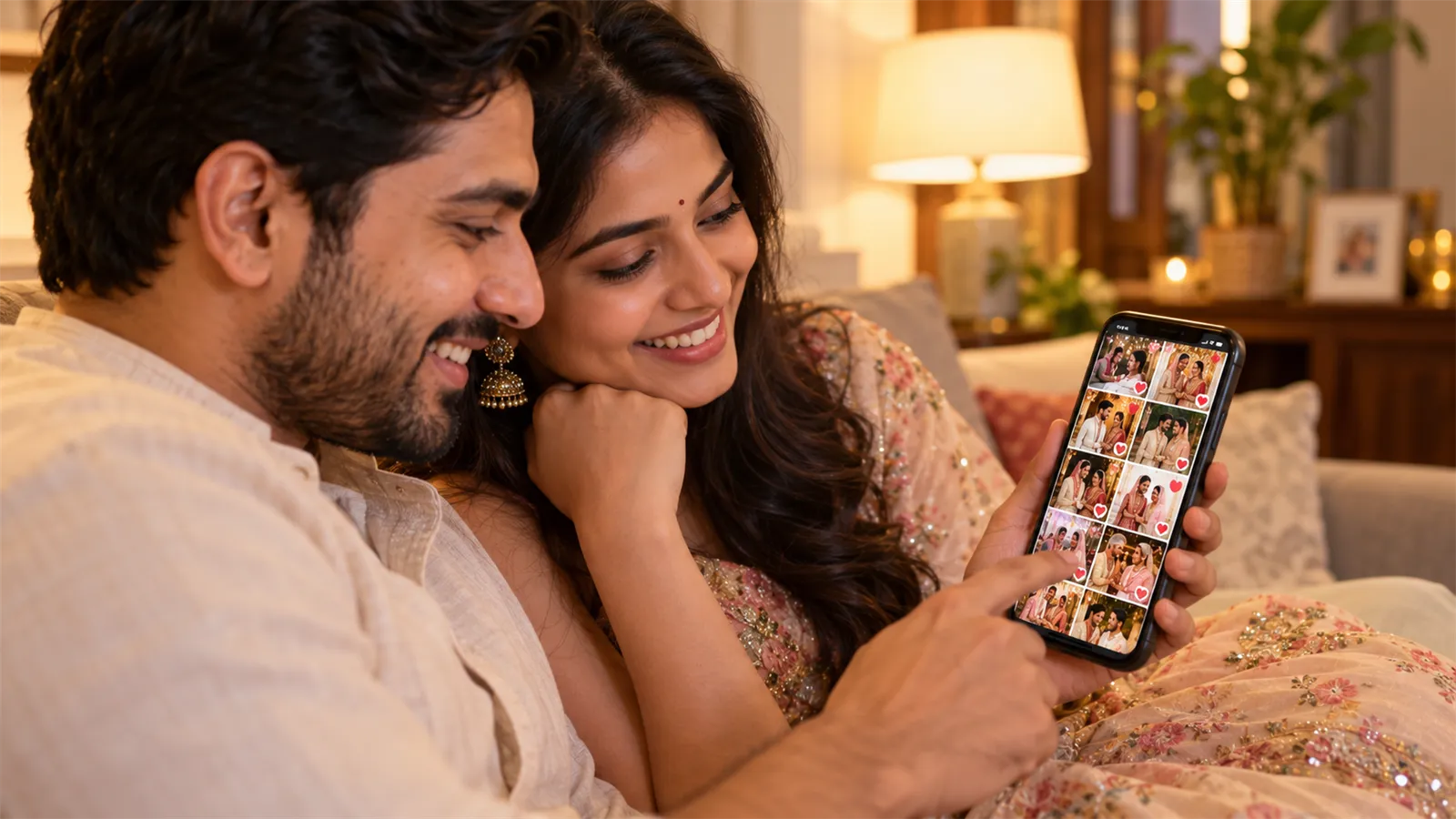
AI photo sharing replaces one big shared folder with a personal gallery for every guest. You upload the event's photos once, and the software sorts them by face. Each guest then searches with their face instead of scrolling.
Three parts make it work:
- Face recognition finds the faces in each photo and compares them with the guest's selfie.
- An event gallery holds the photos and keeps them separate from your other events.
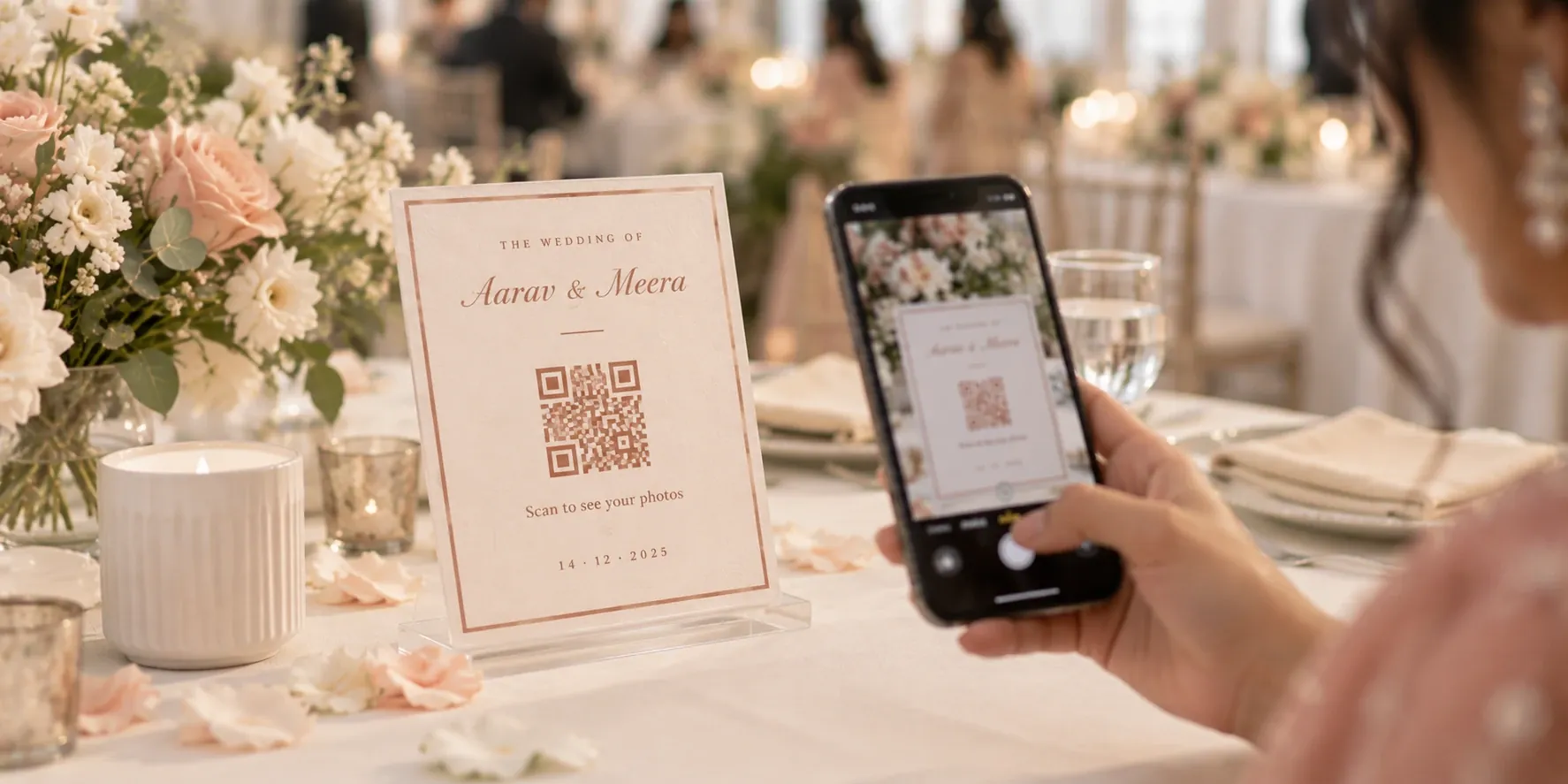
- A simple way in, usually a QR code or link, so guests can reach the gallery from their own phone.
You may also hear it called selfie photo sharing, an AI photo gallery or face recognition photo sharing. These names describe nearly the same thing, though the exact features vary from tool to tool.
How AI photo sharing works
The process has five steps, and guests only see the last two.
- You create the event. It gets its own gallery and a QR code or link.
- You upload the photos. This can happen live from the camera during the event, or later after you cull and edit.
- The software reads the faces. It detects each face in each photo and converts it into a mathematical pattern it can compare.
- The guest scans and takes a selfie. The selfie is compared only with the faces in that event.
- The guest sees their photos. Every match appears in a personal gallery, ready to view and download.
If you are ready to run this at an event, our step-by-step guide to sharing event photos using face recognition covers the setup and how to get better matches.
What the AI does, and what it doesn't
The word "AI" gets used loosely in photography software, so check what each tool actually does. In AI photo sharing, the AI has a narrow, specific job.
| The AI does this | You still do this |
|---|---|
| Finds every face in every photo | Decide which photos are good enough to deliver |
| Matches a guest's selfie to their photos | Edit colour, light and skin tones |
| Finds a guest in group shots and candids | Choose the moments and compositions |
| Gives each guest a personal gallery | Design the album with your client |
| Handles thousands of photos in seconds | Look after the client relationship |
Some tools add other AI features, such as sorting or culling. Those are separate features, so don't assume an "AI gallery" includes them.
AI photo sharing vs a normal online gallery
A normal online gallery gives every guest the same photos, and they have to find themselves. AI photo sharing does that search for them. The difference grows with the size of the event.
| Normal online gallery | AI photo sharing | |
|---|---|---|
| How a guest finds photos | Scrolls, or browses by album | Takes one selfie |
| What a guest can see | Usually the whole gallery | Can be limited to their own matches |
| Effort at 5,000 photos | Most guests give up | About the same as at 50 photos |
| Setup for you | Upload and share a link | Upload and share a link or QR code |
| Best suited to | Small events, or clients who want everything | Events with many guests |
If you only shoot small family functions where everyone wants every photo, a normal gallery can be enough. AI photo sharing earns its place when guests only want their own pictures.
Why photographers use it
The main benefit is that delivery stops depending on you. There are four practical gains.
Fewer "send me my photos" messages. Say 50 guests at a 500-person wedding ask for their photos, and each request takes two minutes. That is more than an hour and a half of searching and sending, for one event. When guests can find their own photos, most of those messages never arrive.
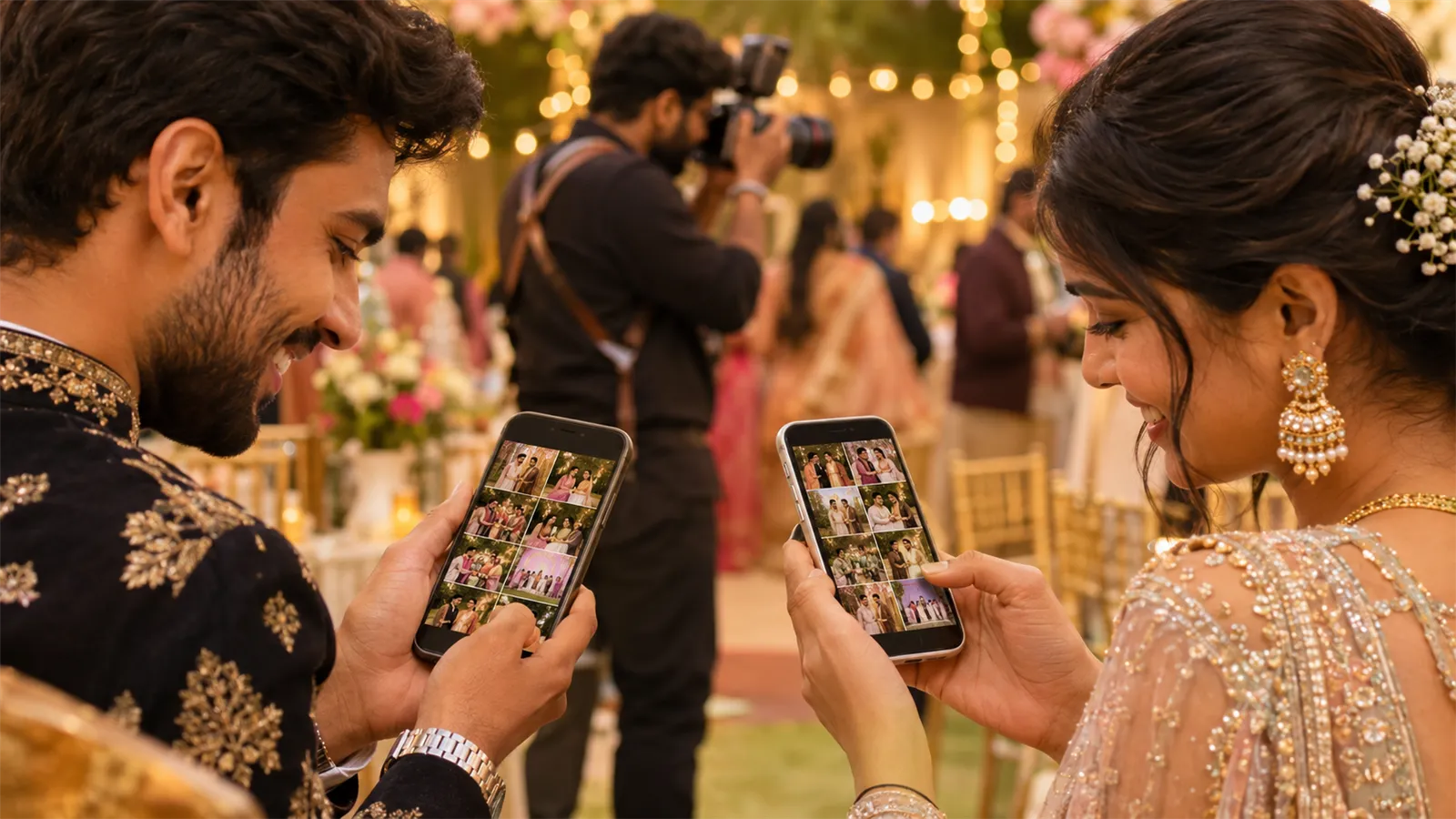
Your work gets shared while people care. With live upload, guests can find photos during the event. A branded gallery and watermark mean those shares carry your studio's name.
More privacy for clients. A family may not want every guest browsing the getting-ready photos. When each guest sees only their matches, you can offer that control.
A service you can sell. Same-day delivery with a personal gallery for every guest is easy to explain to clients. You can include it in premium packages or quote it as an add-on.
Which events suit it best
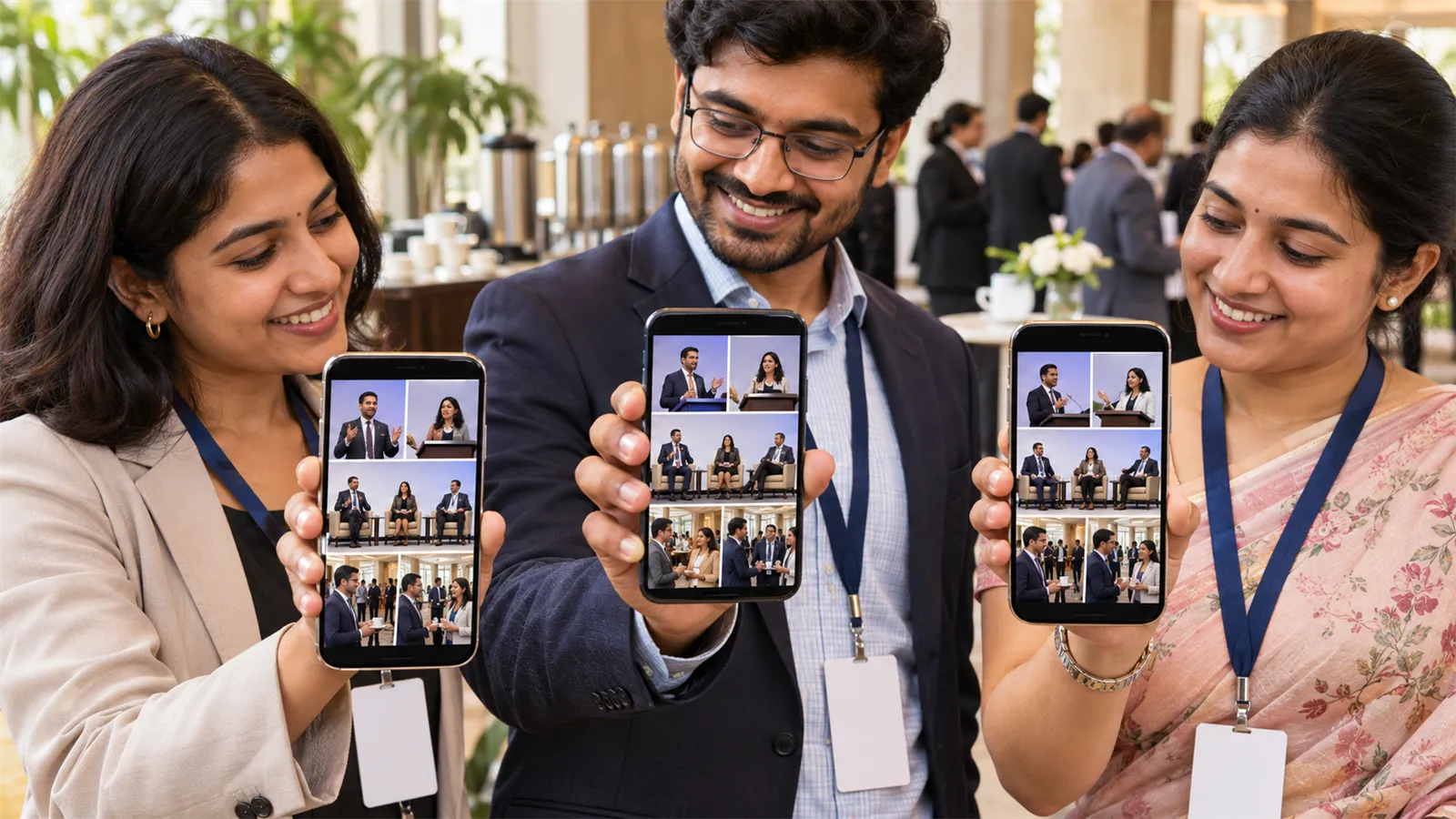
AI photo sharing helps most when there are many guests and each one only wants a small share of the photos.
| Event | Why it works | What to plan for |
|---|---|---|
| Weddings and receptions | Hundreds of guests and thousands of photos | Decide with the couple who can see what |
| Corporate events and conferences | Attendees want their photos quickly for LinkedIn and internal posts | Check the client's privacy and HR rules first |
| College fests | Students want to share photos on the same day | Put QR codes where crowds gather |
| Sports days and marathons | Each participant wants their own action shots | Helmets, caps and motion can reduce matches |
| Concerts | Large crowds with low, changing light | Expect fewer matches from crowd shots |
| School events | Parents want photos of their own child | Get parents' consent, as parents should do the scanning |
For a small birthday where everyone knows each other, it is a nice extra rather than a need.
Where it falls short
No face matching is perfect, and it's better to tell your clients that upfront.
- Hard photos can be missed. Sunglasses, masks, deep shadows, heavy stage lighting and faces in profile all reduce matches.
- Wrong matches can happen. Close relatives can look alike, so a guest may occasionally see a photo of someone else.
- Selfie quality matters. A dark, tilted selfie gives poor results. Ask for a clear, front-facing one in good light.
- Venues can have poor networks. Live upload needs a working connection, and guests need mobile data to open the gallery. Test both at the venue or plan to upload afterwards.
- Not every guest will take part. Some won't want to take a selfie, and that is their choice. Give the client a way to share photos with them directly.
Privacy and consent
Face data is sensitive, so make consent part of your setup. In India, the Digital Personal Data Protection Act, 2023 applies to personal data collected digitally, and it sets stricter conditions for children's data.
- Tell guests what happens. A short line on the QR standee can cover what the selfie is used for and how long it is kept.
- Make it optional. Scanning a code and taking a selfie is a clear choice, so don't pressure anyone into it.
- Take extra care at school events. Agree with the school how parents will give consent before the event, and have parents do the scanning.
- Agree on visibility. Decide with the client who can open the gallery and for how long.
- Question your vendor. Ask where photos and face data are stored, who can access them, and how a guest can ask for deletion.
This is general guidance rather than legal advice. For large corporate or school events, ask the client's legal team to review the setup.
What to look for in an AI photo sharing app
Most tools can match faces, so compare what surrounds the matching.
- No app for guests. A QR code that opens in the phone's browser gets far more people through the door.
- Live and after-event upload. You should be able to choose per event, since not every shoot suits live delivery.
- Access controls. Look for different access levels, expiry dates and a way to hold back photos.
- Your branding. Your logo and watermark should appear in the gallery and on downloaded photos.
- Original quality. Check that guests can download good-quality files, not just compressed previews.
- A clear data policy. You should be able to read it before you pay.
- A fair test. Run the tool on a real past event, using selfies from people you know appear in the photos. Count what it finds and what it misses.
Also check what happens after delivery. If your clients also order albums, read what to look for in photo selection software before you choose.
How LensQuick handles it
LensQuick is built around AI photo sharing for photographers, so here is how it answers that list:
- Guest access: guests scan one QR code and take a selfie, with no app to install and no account to create.
- Matching: AI face search finds each guest in group shots and candids, and selfies are used for matching and never shown to anyone else.
- Upload: photos can go live from the camera with Flare, or you can upload the finished gallery after the event.
- Control: you can set VIP, full or guest access on the same event, each with its own expiry date.
- Branding: your watermark is added automatically, and galleries carry your studio's branding.
- Beyond delivery: album selection, quotations, invoices, bookings and client records sit in the same platform.
AI face search is available from the Studio plan upward, and you can compare what each plan includes on the pricing page. The how it works page shows both the live and after-event flows.
Is AI photo sharing right for your studio?
If you shoot events where guests outnumber the photos they care about, AI photo sharing will likely save you time and give clients something they can feel. The best way to decide is to try it at one real event and see how many "send me my photos" messages you still receive.
Frequently asked questions
Is AI photo sharing the same as face recognition photo sharing?
Mostly, yes. Face recognition is the technology that does the matching, and AI photo sharing is the wider delivery method built around it, which also includes the gallery, the QR code, downloads and access controls.
Do guests need to install an app?
Not always. Many AI photo sharing tools, including LensQuick, open in the phone's browser after a QR code scan. Check this before choosing a tool, because an app download will put many guests off.
How accurate is AI photo sharing?
It handles most clear event photos well, including group shots. It is less reliable with sunglasses, masks, heavy shadows, and faces turned away. Treat it as a very fast first search rather than a guarantee that every photo will be found.
Can I use AI photo sharing after the event instead of during it?
Yes. You can upload live while you shoot, or cull and edit first and upload the finished gallery later. Guests find their photos with a selfie either way.
Is AI photo sharing safe for guests?
It can be, if the tool keeps each event separate, shows guests only their own matches and has a clear policy on deleting data. Tell guests what their selfie is used for, and ask each vendor how it stores face data.
Does AI photo sharing replace a professional photographer?
No. It changes how photos are delivered, not how they are made. Composition, timing, editing and album design still depend on the photographer.