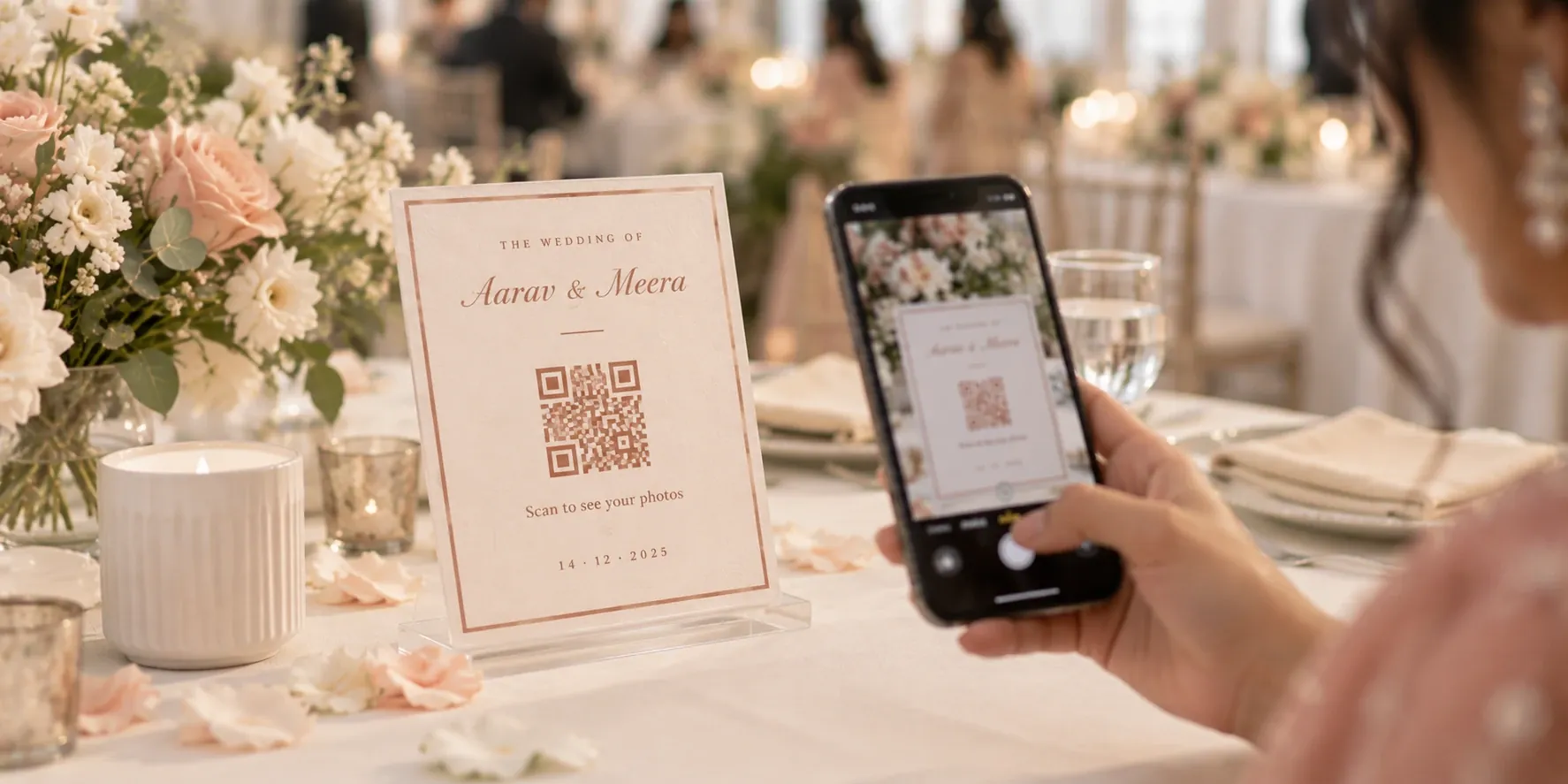
Photo Selection Software for Photographers: What to Look For
Choosing photo selection software? Check these points first: client ease of use, selection limits, face search, access control and export to RAW files.

Key takeaways
- Good photo selection software makes picking easy for clients and makes the picks easy for you to use.
- Check five things first: no app to install, picks from several family members, selection limits, a way to filter thousands of photos, and export to your RAW files.
- The feature that saves the most time comes after the client finishes, when their picks have to be matched to your RAW files.
- Test any tool on a real past event, with a real client on a normal phone, before you move your studio to it.
The best photo selection software for photographers does two jobs well: it makes picking easy for your clients, and it turns their picks into files you can edit straight away. Most tools handle the first job. The second is where you save or lose hours, so check it before you pay.
This guide lists what to look for in photo selection software, what you can safely ignore, and how to test a tool before moving your studio to it.
Why album selection takes so long
Album selection often takes longer than the album itself. You send a drive link and wait. Two weeks later, the bride sends photo numbers on WhatsApp. Her mother sends a different list as screenshots. An uncle wants "the one near the stage, with the blue shirt."
Then the real work starts. You combine the lists, remove the duplicates, and search your RAW folder for each file by hand. If the client has gone over the album's page count, you make an awkward phone call and start again.
None of this is photography. It is admin, and it comes back with every wedding you shoot. Good software removes most of it.
What photo selection software actually does
Photo selection software gives clients an online gallery where they can mark the photos they want, then gives you the results as a usable list. It replaces the drive link, the chat messages and the spreadsheet.
The term can cover two different kinds of tool, so check which one you are looking at:
- AI culling tools help you, the photographer. They sort a shoot and flag blurred or duplicate frames during your first pass.
- Client selection tools help your client. They let the family choose favourites from the photos you show them, usually for an album.
Many studios use both, in this order: cull the shoot, upload the strongest set, let the client pick, then edit only those picks. This guide covers the client selection step. If a product page says "AI photo selection," read closely to see which of these it means.
Do you need dedicated software at all?
Not always. If you deliver a few albums a year to clients who are comfortable online, a shared drive and a simple spreadsheet of file names can do the job at no extra cost.
Dedicated software starts to pay for itself when you recognise these signs:
- Selections regularly take weeks, because clients stall partway through.
- Several family members send you separate lists, and you combine them by hand.
- Clients often go over the number of photos in their package.
- You or an assistant spend hours finding RAW files after every wedding.
- You run several albums at once and lose track of who has finished.
If two or more of these sound familiar, the rest of this guide will help you choose.
What to look for in photo selection software: 7 things that matter
1. Clients can use it without help
Your client is not the only person who will open the link. Parents and relatives will too, often on an older phone with patchy mobile data, so every extra step costs you days of waiting.
Look for a link that opens in any phone browser, with no app to install. Selecting a photo should take one tap, and it should be obvious how many have been picked so far. If you have to explain the tool on a call, your clients will find it hard to use.
2. Several people can pick, and you can see who picked what
Indian wedding albums are rarely decided by one person. The couple, both sets of parents and sometimes siblings all have opinions, and they rarely sit together to decide.
Choose software where each person can pick separately, then check that you can filter the results by person. This matters more than it sounds. When the couple has the final say, you want to see only their picks, without losing what the parents asked for.

3. Selection limits that match your packages
If your package includes a 200-photo album, the tool should be able to stop or warn the client at 200. Without a limit, clients pick 600 favourites and you spend a call negotiating them back down.
A limit also makes upselling simple and fair. A client who wants more than the package allows can ask for extra pages, and they know the cost before you start designing.
4. A way through thousands of photos
A full wedding can run to several thousand frames. Scrolling through all of them on a phone is where most clients stall, and it is why selections drag on for weeks.
Look for something that shortens the list. Albums or folders by ceremony help. Face search helps more: the client takes a selfie and sees only the photos they appear in, so an aunt can pick from her own 80 photos without scrolling past 3,000. If you want to understand the technology, our guide on sharing event photos using face recognition explains how the matching works.

5. Control over who can see the photos
A selection gallery holds your client's private family moments, including frames they may never want shared, so a public link is not enough.
Check for a PIN or login on the selection link. Also ask what the preview photos look like: watermarked previews protect your unedited work until the client has paid and approved it.
6. A direct path from picks to RAW files
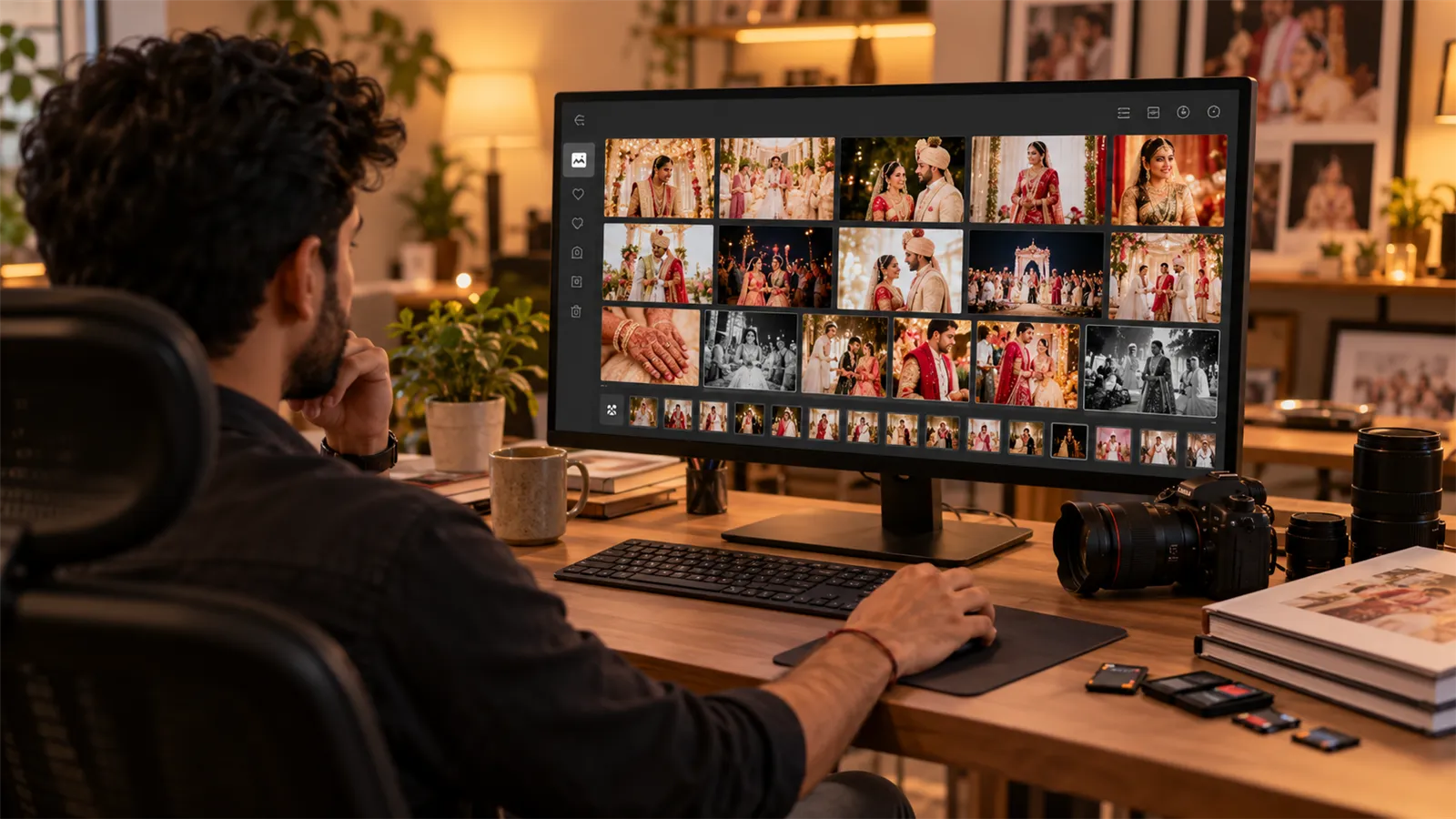
This is the feature most photographers underrate. The client picks JPEGs, but you edit RAW files. Without help, someone has to match hundreds of picks to the right files in your folder, one by one.
The cost adds up quickly. As an example, if a client picks 300 photos and each RAW file takes 30 seconds to find and copy, that is two and a half hours for one album before any editing starts. Time this on your next album to get your own number.
Look for software that can copy or move the matching RAW files into your editing folder for you. At the very least, it should export a clean list of file names that you can use in your own editing software. Ask to see this step in a demo, because it is rarely on the sales page.
7. Pricing that fits how you work
Compare pricing against your real year, not one sample event. Some tools charge per event, others by storage or on a monthly plan. A low monthly price can still be expensive if a single wedding uses up your storage allowance.
Ask three questions. Is selection included, or is it a paid add-on? Do features like face search need a higher plan? What happens to client galleries if you stop paying?
Features that depend on your studio
Some features are useful for one studio and irrelevant for another. Don't pay for these unless they fit how you work:
- Comments on individual photos. Useful if clients often ask for specific retouching.
- Alerts when a client finishes. Useful when you run many albums at once, so nothing sits unnoticed.
- Editing software integration. Useful if your whole team works in one catalogue and wants picks to appear there directly.
- Album design proofing. Useful if you want clients to approve the designed layout in the same tool. This is a separate step from choosing photos.
- Print sales and lab fulfilment. Useful if you sell prints directly to clients, and rarely needed if you deliver one album as part of a package.
A quick checklist for comparing tools
Use this table when you sit through a demo or start a free trial.
| Question to ask | Good answer | Warning sign |
|---|---|---|
| What does my client need to start? | A link and a PIN | An app download or a long sign-up |
| Can the whole family pick? | Yes, separately, with filters by person | One shared login for everyone |
| Can I cap the number of picks? | Yes, a limit set per event | No limit, or you count by hand |
| How do clients get through 3,000 photos? | Face search or sorted sections | One long scroll |
| Who can open the gallery? | Only people with the PIN or login | Anyone who has the link |
| How do picks reach my RAW files? | Copy or move in one step | You get a list and do the rest by hand |
| What does a full year cost? | A clear plan that covers your events | Storage add-ons you only find out about later |
How to test a tool before you commit
A demo shows a tool at its best. A real event shows you how it works on a normal day. Before you switch, run this short test.
- Use a real past event. Upload a full wedding, not 50 sample photos, so you can see how it handles your real volume.
- Hand the link to a real person. Ask a parent or a non-technical relative to pick 20 photos on their own phone. Don't guide them. Watch where they get stuck.
- Add a second picker. Check that you can tell the two sets of picks apart.
- Go over the limit on purpose. See what actually happens when a client reaches the maximum.
- Finish the job. Take the picks all the way to your RAW folder and time it. This one number tells you how much time the tool really saves.
How LensQuick handles photo selection
Apply this same checklist to us. Here is how LensQuick's photo selection software answers it:
- Client access: one selection link with a PIN, which works in any phone or computer browser with nothing to install.
- Many pickers: the couple, parents and relatives each log in and pick separately, and you can filter by who picked.
- Limits: set a selection limit for the event so the picks match the album package.
- Finding photos: a client can take a selfie inside the selection link and pick from only the photos they appear in. This is available on plans that include AI face search.
- RAW files: filter the picks, choose your RAW folder and a destination, and Export RAW copies or moves the matching files across.
- Pricing: album selection is included in every plan. You can see what each plan covers on the pricing page.
Choose the tool that finishes the job
Most photo selection tools look alike on the client's side, because a gallery with a heart button is easy to build. The differences show up later: how many people can pick, whether your package limit holds, and how long it takes to get from the final pick to the first edit. Test those, and the right choice usually becomes clear after one real event.
Frequently asked questions
What is photo selection software?
It is software that lets clients view event photos online and mark the ones they want, usually for a printed album. The photographer then gets a clean list of those picks, without collecting photo numbers over chat.
Is photo selection the same as AI culling?
No. Culling is the photographer's first pass, removing blurred, duplicate or weak frames. Client photo selection comes later, when the client chooses their favourites from the photos you show them. Many studios do both, and they need different tools.
Should clients need to install an app to select photos?
Ideally not. A selection link that opens in a phone browser removes the biggest source of delay, especially for older relatives. Clients should only need the link and whatever PIN or login protects it.
How many photos should I upload for client selection?
Upload what you would be happy for the client to choose from, which usually means after your own first cull. A smaller, stronger set is faster for the client to go through and leads to fewer second thoughts.
What should I do if a client selects too many photos?
Set a selection limit that matches the album package before you share the link. If the client wants more, that becomes a clear conversation about adding pages, instead of a surprise when the picks arrive.
Can I use Google Drive for client photo selection?
Yes, for a small number of albums. Clients can note file names in a shared sheet, and you find the files yourself. It gets harder with several family members and large weddings, because a drive has no selection limit, no per-person filter and no link to your RAW files.
What is the best photo selection software?
It depends on your studio. Choose the tool your clients can use without help, that respects your package limits, and that gets their picks to your RAW files quickly. Testing each option on a real past event will tell you more than any ranked list.